
 русский
  Español
  عربى
عربى 
Demographic shift is quietly reshaping product design across the hardware industry, and door locks haven't been exempt. As more households include older adults, designers are paying closer attention to how easily someone can see, reach, grip, and understand a lock during ordinary daily use, not just whether it secures the door.
This isn't about designing exclusively for older users. Usability has become a broader design lens that benefits people across a wide range of strength, mobility, vision, and tech familiarity. A Smart Lock Factory now has more to weigh than raw security specs when developing products for households that don't fit a single user profile.
A lock can be technically excellent and still feel awkward if its controls are ambiguous, its operation demands too much physical effort, or its feedback leaves users guessing. That gap between "functional" and "usable" is exactly where a lot of manufacturers are now investing design attention, handles, access methods, visual cues, installation details, and how the whole thing interacts with connected features.
Why Is an Aging Population Changing Lock Design?
Age changes how people physically interact with everyday objects, sometimes in ways product teams don't anticipate until they run real usability testing. Small controls that are easy to see for one user can be genuinely hard to make out for another. Reduced hand strength or a preference for avoiding repeated twisting motions can turn a "simple" lock into a daily frustration point.
Designers are responding by evaluating the full interaction sequence, not just the locking mechanism in isolation.
| User Need | Lock Design Consideration |
|---|---|
| Easier operation | Controls that are immediately understandable |
| Clear visibility | Status indicators that read at a glance |
| Comfortable handling | Shapes that grip naturally |
| Reduced physical effort | Operation that doesn't demand excess force |
| Familiar interaction | Controls following recognizable patterns |
These same considerations benefit younger users too, since a product that's easy to operate is generally easier for an entire household to share without constant explanation. Usability, in that sense, stops being an age-specific feature and becomes a baseline design target.
This matters most for residential locks precisely because of how often they're used, leaving for work, coming home, letting in visitors, moving between rooms. Small friction points that seem trivial in isolation become noticeable fast when the same action repeats several times a day, every day.
How Can Lock Controls Become Easier for Older Users to Operate?
Physical interaction is where usability gains show up most clearly. A traditional lock requires inserting a key, aligning it correctly, turning it, sometimes applying extra pressure to overcome resistance. For someone dealing with reduced hand strength or limited finger mobility, that sequence adds up to real friction, not just minor inconvenience.
Modern designs cut down on unnecessary steps by rethinking how access gets initiated. Touch controls, buttons, and handle mechanisms can be arranged so the intended action is obvious without instruction. The goal isn't eliminating physical interaction entirely, it's making that interaction feel predictable and low-effort.
Clear feedback after the action matters just as much. Users need confirmation that an input registered and the door is ready to open, particularly for anyone who can't easily catch subtle mechanical sounds or who'd rather not repeat an uncertain action out of caution.
For a Smart Lock Factory, these details shape the entire product experience far more than the electronics do on their own. Connected features draw attention in marketing copy, but daily physical interaction is what actually determines whether a lock earns repeat satisfaction from the people using it.
How Does Visibility Affect the Usability of Smart Locks?
Seeing a lock clearly makes operating it considerably easier, and visual needs vary more across age groups than most product teams initially assume. Small buttons, unclear keyholes, ambiguous indicators, these details create hesitation, a moment where a user isn't sure which area to touch or whether the lock is currently secured.
Clean visual design removes that hesitation before it starts.
| Design Area | Usability Focus |
|---|---|
| Buttons | Immediate recognition |
| Status indicators | Unambiguous lock state |
| Keypad layout | Familiar, expected arrangement |
| Handle area | Obvious point of interaction |
| Surface markings | Simple, minimal visual guidance |
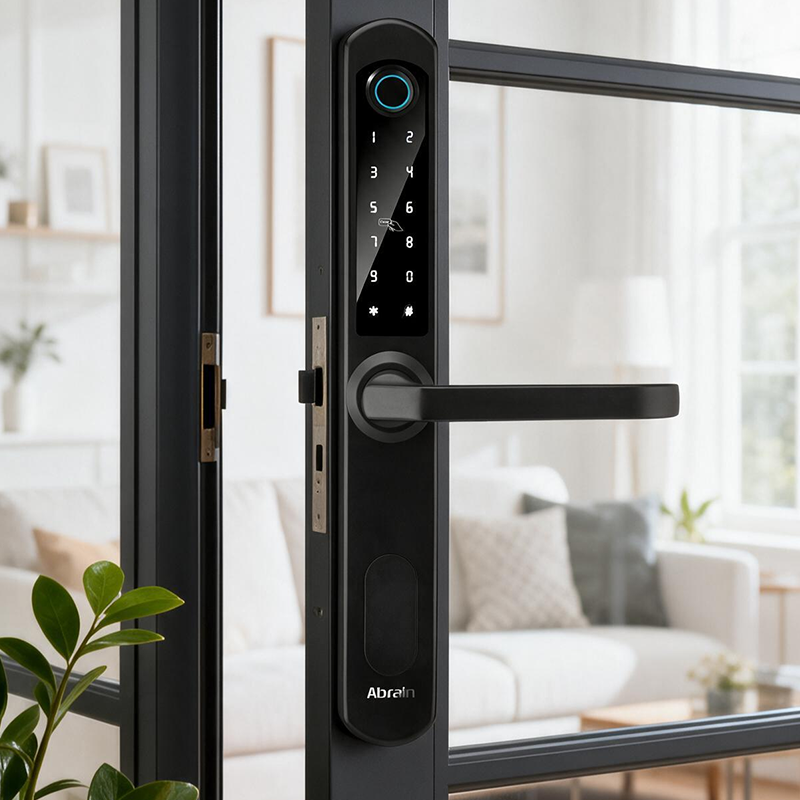
None of this requires an elaborate interface. Simple shapes with clear differentiation between controls go a long way toward making a product legible at a glance. A Smart Wooden Door Lock carries an added constraint here, since it needs to work visually with the door's own material and finish while still keeping its controls easy to identify. Door style can absolutely influence the visual language of the lock, but usability shouldn't get sacrificed in service of aesthetic integration.
Can Smart Access Methods Reduce Physical Effort?
Smart access is genuinely changing how people approach their own front door. Moving beyond a traditional key opens up alternative unlock methods that cut down on repeated hand movements, which matters more than it sounds for anyone juggling shopping bags, managing reduced dexterity, or simply wanting one less thing to fumble with at the door.
Different access methods also give households more flexibility to accommodate mixed preferences under one roof. One person defaults to a familiar physical method, another prefers a digital interface entirely, and the product needs to make both options intuitive rather than layering on unnecessary complexity to support the choice.
| Access Approach | Usability Consideration |
|---|---|
| Physical key | Familiar, but still requires handling |
| Touch interaction | Cuts down repeated key handling |
| Code entry | Removes the need to carry a physical key |
| Mobile access | Enables remote interaction via device |
| Alternative authorization | Supports varied user preferences |
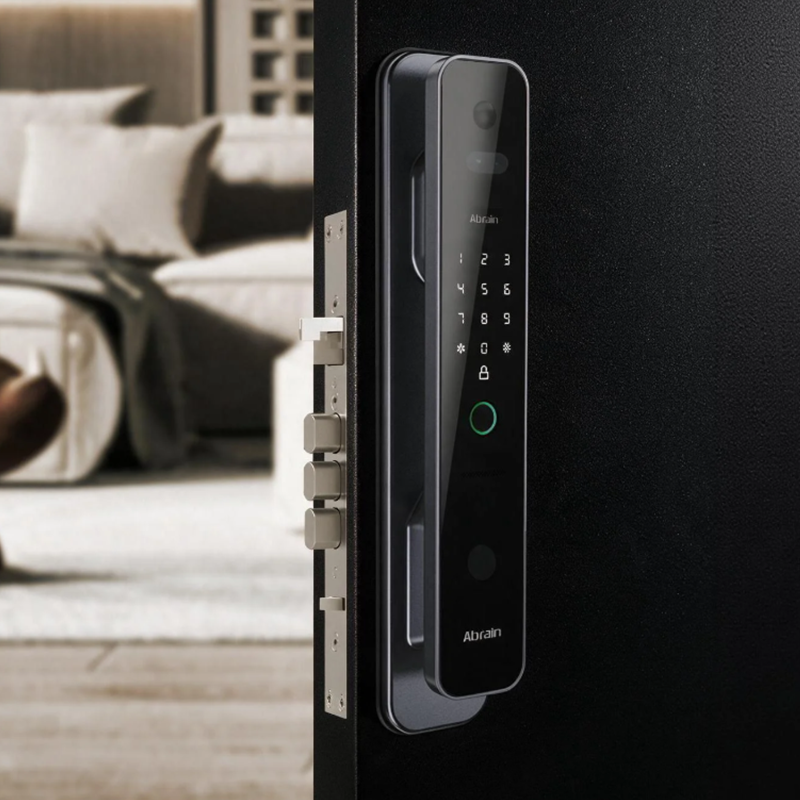
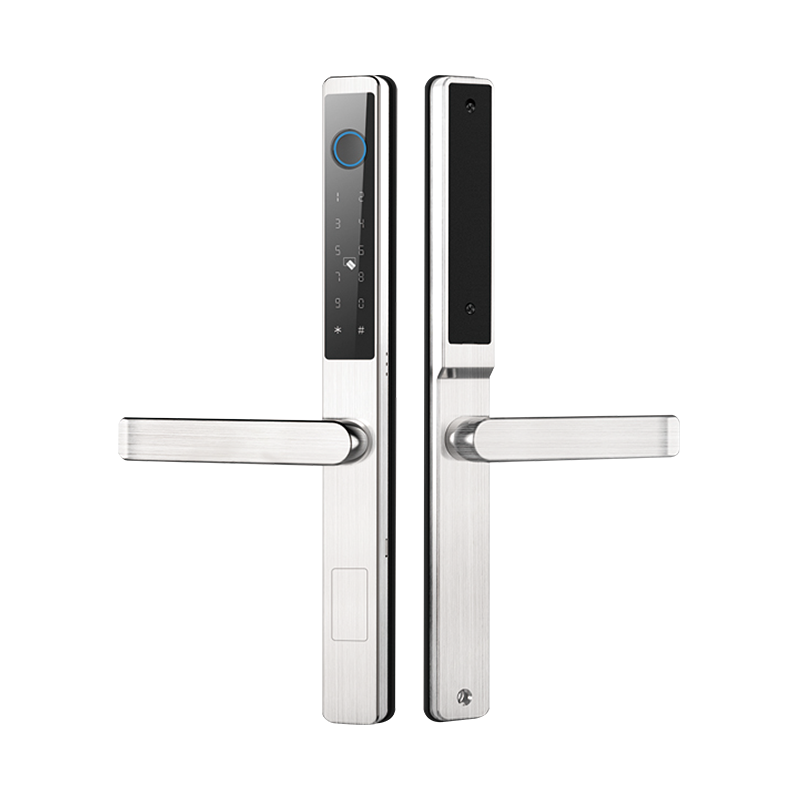
Not every access method fits every household, and that's fine. The real design question is whether the available options are genuinely easy to understand and practical within someone's actual daily routine. A Stainless Steel Smart Lock might offer a striking modern finish and durable build, but its real-world usability still comes down to how naturally people interact with its access controls day to day, material and digital function need to be evaluated together, not as separate wins.
How Does Grip and Hand Movement Influence Lock Design?
Opening a door looks like one simple action, but it's actually a short chain of small movements, reaching toward the lock, gripping a handle, pressing or turning a control, then pulling or pushing the door itself. That chain becomes noticeably harder to execute cleanly when hand mobility is limited, which is exactly why designers are giving handle shape and control placement far more scrutiny than in past product cycles.
Handles with a clear, well-defined gripping area make the intended movement obvious without a second thought. Controls also need to avoid forcing users into awkward wrist or arm positions, especially given that people approach doors from a range of angles depending on room layout and personal habit. A design comfortable from one approach angle might feel distinctly less natural from another.
This is where usability research earns its keep in product development. Instead of just asking whether a lock functions correctly, teams are increasingly asking how people actually approach, touch, turn, press, and open it during genuinely ordinary use, a perspective that surfaces small friction points technical testing alone tends to miss entirely.
Why Is Familiarity Important When Designing Smart Door Locks?
Smart products introduce new interaction patterns onto objects people already understand intuitively, and that gap creates real design risk if handled carelessly. A door lock's basic purpose shouldn't become harder to recognize just because it's gained smart features, and older users in particular tend to be less comfortable with interfaces that alter familiar actions without clear visual guidance.
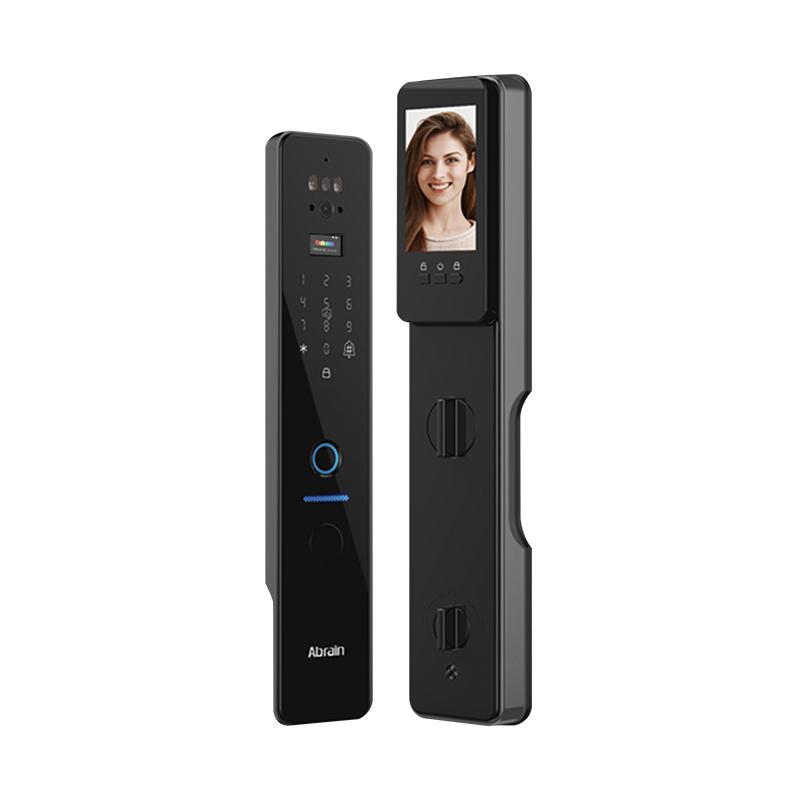
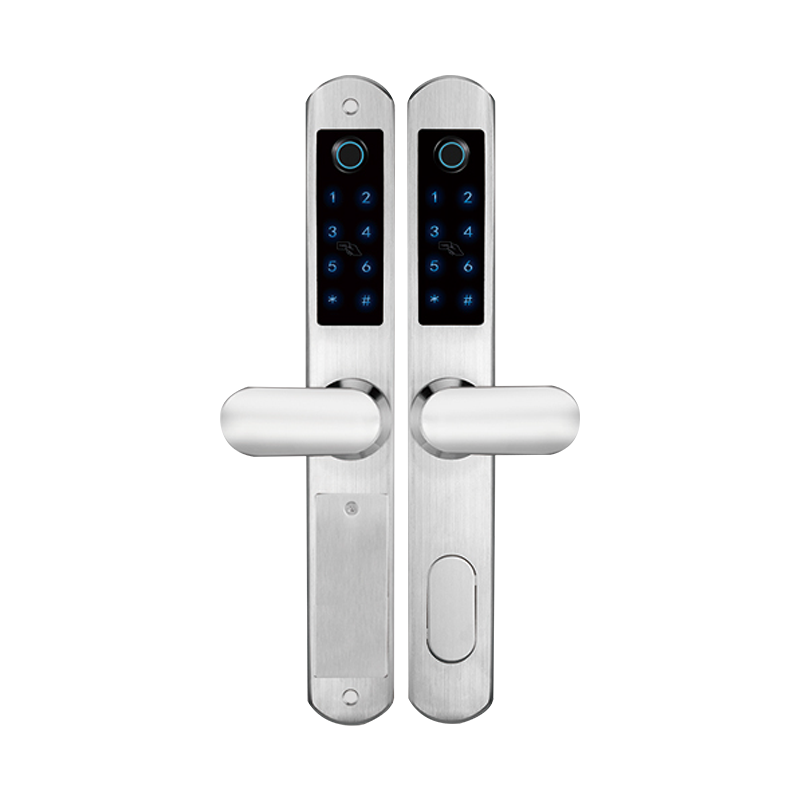
Good design layers new functionality onto recognizable interactions rather than replacing them outright. A handle still reads as a handle even with added access features built in. A keypad can follow a familiar numeric arrangement instead of forcing users to learn an unfamiliar input sequence from scratch.
This principle pays off directly in multi-generational households, where younger family members gravitate toward mobile access while older relatives prefer a physical control or another familiar method entirely. A lock that comfortably accommodates both preferences fits into a shared home far more naturally than one built around a single interaction model.
For a Smart Lock Factory, this translates into designing for varying levels of digital familiarity within the same household, not just varying levels of tech adoption across different markets. The objective isn't stacking on more functions, it's making the functions already present genuinely legible to the range of people expected to use them.
How Can Smart Wooden Door Lock Design Balance Technology and Home Usability?
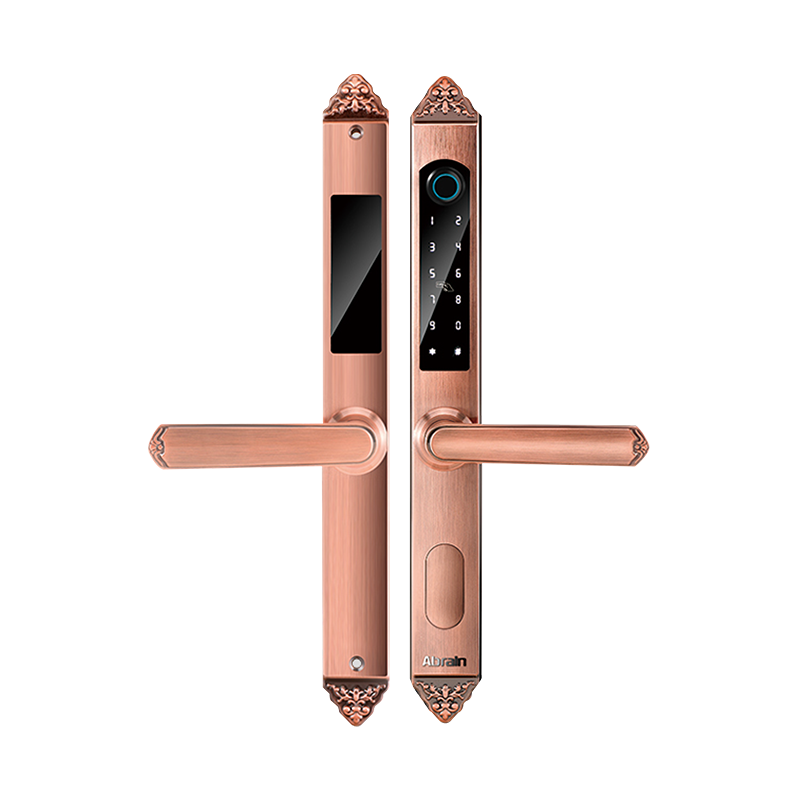
Wooden doors carry a lot of the visual character in residential architecture, and a smart lock mounted on one needs to integrate with that appearance without making the technology feel bolted-on or disconnected from the surrounding space. A Smart Wooden Door Lock has to be designed around both physical integration and everyday interaction simultaneously, not one at the expense of the other.
Installation constraints matter here too, since the lock still needs to work structurally with the specific door it's mounted on. A product that looks right but operates awkwardly generates frustration regardless of how well it matches the door's finish. The lock body, handle, access controls, and door surface all need evaluation as one connected user experience, not as separate design tracks that happen to occupy the same opening.
| Design Concern | Usability Question |
|---|---|
| Door appearance | Does the lock integrate naturally with the door? |
| Control placement | Can users locate the interaction area easily? |
| Handle shape | Is the grip intuitive and comfortable? |
| Access method | Can different household members use it without friction? |
| Daily operation | Does the process feel familiar rather than novel? |
Get this balance right, and a smart lock reads as part of the home rather than a separate electronic device stuck onto the door. That distinction is only going to matter more as connected hardware becomes standard rather than a selling point.
What Can a Smart Lock Factory Learn From Changing User Needs?
Shifting demographics are pushing manufacturers to reconsider product development priorities that have stayed largely unchanged for years. A Smart Lock Factory benefits from folding usability into the earliest design stage rather than treating it as a late-cycle refinement, since retrofitting usability fixes after tooling is locked in tends to be expensive and incomplete.
That earlier-stage approach usually means observing how different users actually approach doors, how they hold controls, how they respond to feedback, and where confusion consistently shows up across testing groups. Those observations then directly inform control shape, placement, labeling, and overall interaction design.
Household context matters as much as individual user needs. A private home might house several family members with genuinely different preferences. An assisted living setting puts a premium on straightforward operation and clear access management. A rental property needs a design legible to users who've never touched that specific lock model before.
| Application | Usability Priority |
|---|---|
| Family home | Supporting mixed user preferences |
| Multi-generation home | Blending familiar and smart access |
| Rental property | Straightforward, low-instruction interaction |
| Residential renovation | Compatibility with existing door structures |
| Shared living space | Clear, consistent access across different users |
Real-world feedback collected after deployment often reveals more than pre-launch testing ever does. A feature that looks genuinely useful on paper can feel unnecessary or even irritating once people interact with it dozens of times over several weeks, and small adjustments to control placement or feedback response frequently make a bigger day-to-day difference than a headline new feature would.
How Are Material Choices Connected With Usability?
Material selection affects a lot more than how a lock looks in a product photo. Surface finish shapes how a lock feels in the hand, how quickly users identify controls by touch, and how well the whole unit fits with the door around it.
A Stainless Steel Smart Lock delivers a distinct visual and tactile presence simply because of the material's inherent surface character, but that material choice still needs to work in tandem with shape and control layout, not stand in for good interaction design. A smooth surface can look clean in a showroom while offering less tactile separation between adjacent controls in actual use. A textured section, by contrast, often makes a control easier to locate by feel alone, a detail that matters considerably for users who don't want to rely entirely on visual confirmation.
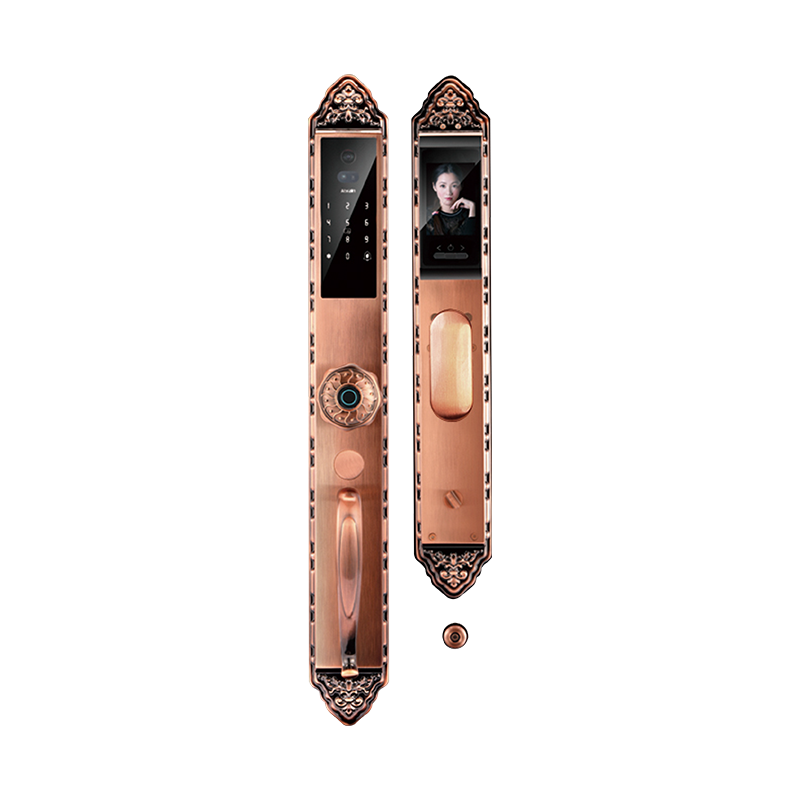
Material decisions also shape how a lock reads across different home styles, and the same core usability principles apply consistently across finishes without forcing every model into an identical look. That gives manufacturers real room to diversify product lines while keeping the fundamental interaction logic consistent underneath. For older users specifically, these seemingly minor material and tactile choices often remove the small barriers that would otherwise turn a routine action into an unnecessarily frustrating one.
As household demographics change, lock design is increasingly being evaluated through the lens of everyday usability as well as security. Visibility, grip, physical effort, access methods, familiarity, materials, and installation all influence whether a smart lock feels natural to use. Treating these factors as connected parts of product development gives manufacturers a clearer way to design locks that work across different users and household settings.

 Email:
  Phone: +86-13575699186
  Address: No.135, Wanyu Road, Zhiying Industrial Zone, Yongkang City, Zhejiang Province, China.