
 русский
 Español
 عربى
Industry News

GET A QUOTE
How Should Smart Lock Credentials Be Removed at Handover?
A room changes occupants, a staff member leaves, or a distributor prepares a demonstration unit for a customer. Each situation raises the same purchasing question: what needs to be removed from the lock before the next person takes responsibility? Adding a credential successfully does not prove that the handover procedure is complete.
For a project buyer, credential removal belongs in sample approval and operating documentation. The aim is to establish what the supplied model can delete, who is allowed to perform that action, and how the result is checked. This is a planning guide rather than a claim that every smart lock shares the same menu or access features.
Start with an access map
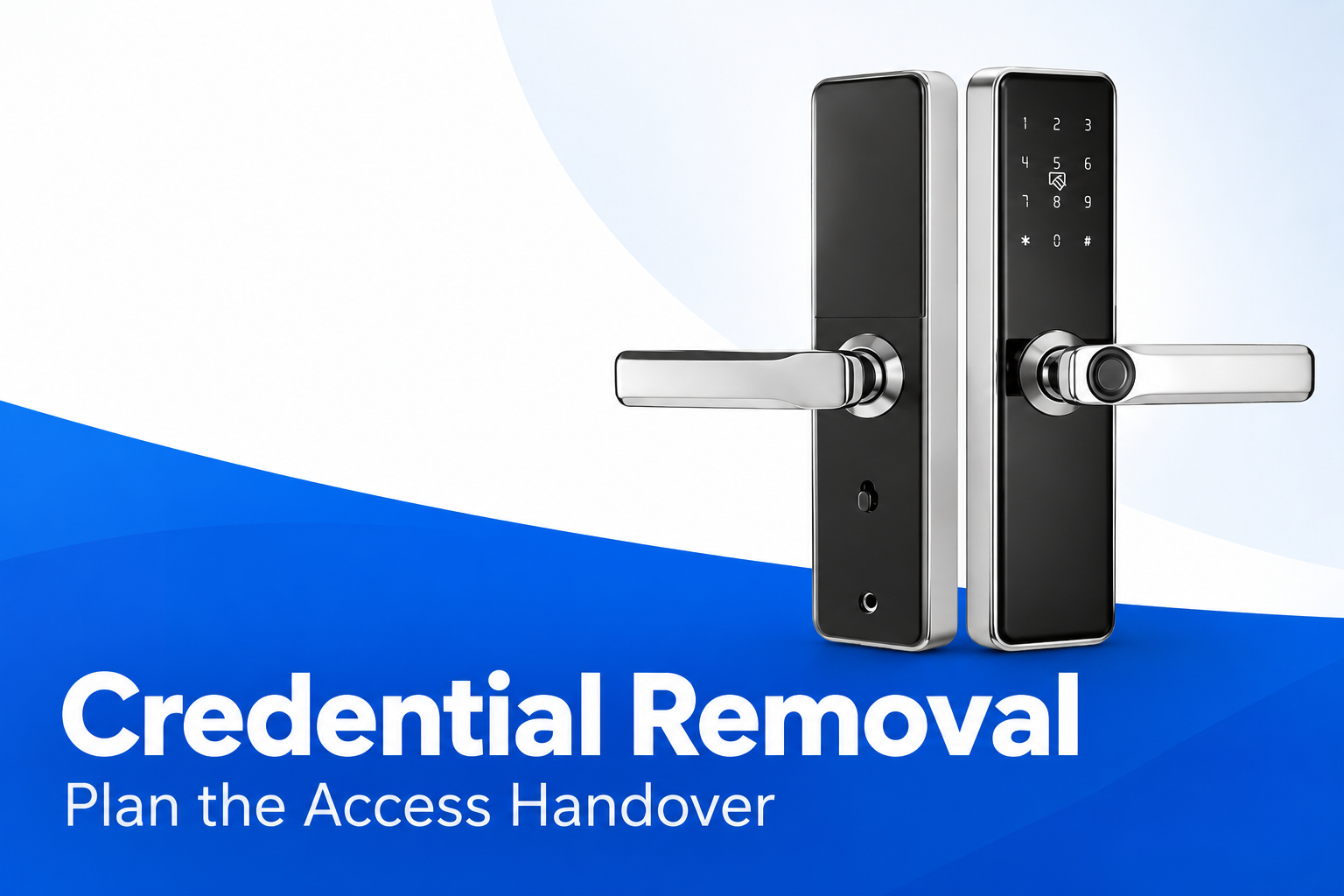
When comparing room door smart locks, identify the actual model and its supported credential types. Ask the supplier to distinguish administrator credentials from ordinary user credentials. If cards, codes or fingerprints are supported, record how each type is added, identified and deleted on that version.
A person may have more than one credential. Removing a single code does not necessarily remove that person's other means of entry. Build the handover around people and assigned permissions, then map those assignments to the records held by the lock. Avoid storing secret codes in an openly shared maintenance sheet.
A useful map records the door identifier, responsible administrator, user reference and credential category. Keep the sensitive credential itself in the organization's approved secure process. The purchasing team needs enough information to understand the workflow without creating an unnecessary copy of access secrets in the quotation file.
Ask what each deletion command actually does
Menu wording can conceal different scopes. Deleting one user, removing one credential and restoring factory settings may affect different information. Request the supplier's model-specific instructions and ask what is retained after each action. Do not infer scope from an abbreviated menu label alone.
A full reset may also change administrator setup or other operating settings. It should be evaluated as a separate procedure, with an explicit plan for establishing the next responsible administrator. A routine occupant change should not automatically trigger an unrestricted reset if the approved workflow provides a more selective action.
| Action under review | Question for the supplier | Evidence to retain |
|---|---|---|
| Delete a credential | Which exact record is removed? | Model-specific instructions |
| Delete a user | Are all linked access methods removed? | Observed sample procedure |
| Reset the lock | Which settings and administrators are affected? | Reset and setup guidance |
| Transfer responsibility | Who establishes the next administrator? | Handover record |
Verify both the removed and retained access
Use controlled demonstration credentials on the sample. Before deletion, confirm that the intended test credential operates as expected. Perform the documented removal procedure, then check that the removed credential no longer grants entry under the agreed test conditions. A failed initial enrollment cannot demonstrate successful deletion.
Also check a credential that should remain valid. This helps distinguish selective removal from a broader reset. Record which sample and instructions were used, because results from one interface version should not be assumed to apply to every product in the catalogue.
Carry out the check in a controlled setting with authorized people and a safe recovery arrangement. Do not turn a live occupied room into an improvised test site. Where a project has specific security or emergency-access requirements, those requirements need review by the responsible project professionals.
Write a handover sequence people can follow
The operating note should describe a clear trigger, authorized role and completion record. It should explain when an occupant change requires action and where the operator finds the current instructions. A video of an earlier sample can help training, but it should not replace instructions for the delivered version.
- Confirm the correct door and current responsible administrator.
- Identify all access methods assigned to the departing user.
- Follow the approved deletion procedure for the exact model.
- Check removal and retained access using the agreed method.
- Record completion and transfer responsibility where required.
Keep the sequence short enough for routine use. Put recovery and exception handling in a clearly identified supporting document. Staff should know whom to contact if the menu differs from the instruction, rather than experimenting with reset commands until the display changes.
Include demonstration units and returned samples
A showroom lock can accumulate credentials during sales demonstrations. Agree who clears those records before the unit is sent elsewhere. If a sample is returned for investigation, tell the receiving team whether it contains test records or project credentials, following the organization's handling requirements.
A returned unit should not be treated as ready for reassignment simply because its exterior is clean. Check the credential state through the documented process. Where an electronic connection or application is offered for a particular model, ask separately about associated account permissions and transfer procedures; do not assume that local deletion answers those questions.
The same distinction applies to replacement hardware. A replacement lock may require new enrollment, while a repaired unit may retain settings. Obtain a clear service instruction for the actual case and avoid promising occupants that their previous credential will work until the responsible team has verified it.
Make the procedure part of procurement
Ask for the credential-removal instructions with the sample, not after bulk delivery. Include the model reference and relevant interface version in the approval record. If a later production change alters the workflow, the documentation and training need review before the revised units are distributed.
The practical acceptance question is whether the next operator can identify the correct action, perform it using authorized access and verify the outcome. A clear answer makes the handover manageable without exaggerating the lock's security capabilities or relying on assumptions about an unfamiliar menu.
Recommended Products



Ready to Begin?
Product Categories
Contact Information
 Email: [email protected]
 Phone: +86-13575699186
 Address: No.135, Wanyu Road, Zhiying Industrial Zone, Yongkang City, Zhejiang Province, China.
QR Code
Copyright © Yongkang Ruian Lock Industry Co, Ltd. All rights reserved.
