
 русский
  Español
  عربى
عربى Industry News

GET A QUOTE
Smart Lock User Capacity: What Exactly Is Being Counted?
One quotation lists a large number beside “users.” Another divides capacity into fingerprints, passwords and cards. Neither number is automatically a count of distinct people who can use the door. Smart lock user capacity needs a definition before it becomes a meaningful purchasing comparison.
For an office, rental property or shared facility, the useful question is how the proposed lock will hold the credentials required by that site. A person may use more than one credential, and some records may have a different administrative role. Ask the supplier to explain the actual configuration instead of choosing from the largest number in a feature list.
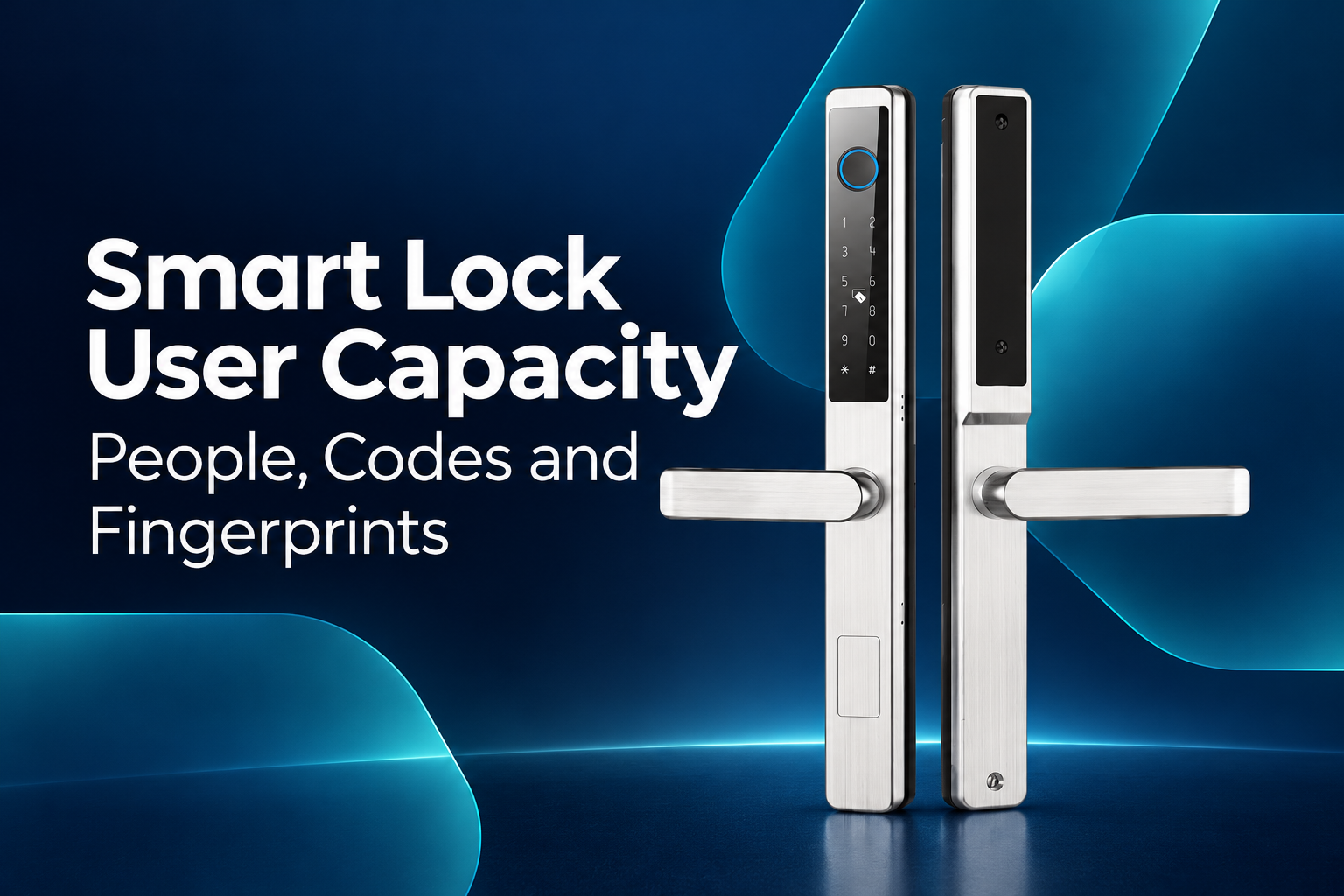
Translate the requirement into people and credentials
Begin with the expected authorized population and the access methods they need. State whether people will normally have one code, several enrolled fingerprints or another supported credential. Describe any separate administrator requirement without assuming that every model allocates it in the same way.
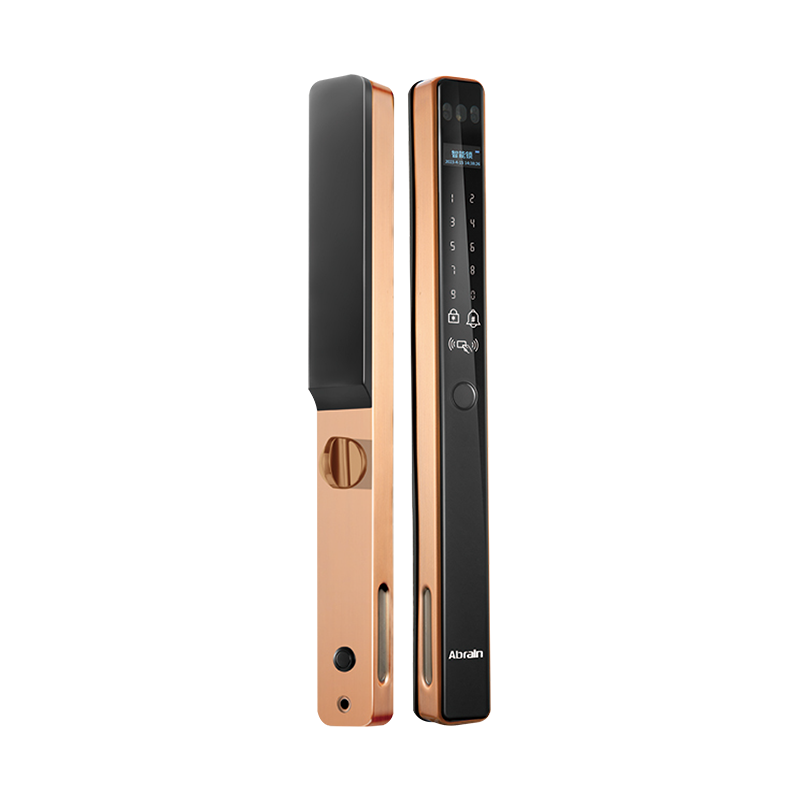
When reviewing profile door smart locks, confirm which access methods belong to the offered variant. Category-level descriptions can cover options that are not combined in every product. Capacity information should identify the model and relevant firmware or configuration.
Do not assume that the number of physical people equals the number of stored entries. A single person enrolled with several fingerprints may occupy several records, depending on the product's design. Likewise, a shared code may admit several people while remaining one credential. Ask how the selected model counts these cases.
Ask what each published capacity means
Request separate definitions for user records, fingerprints, passwords, cards and administrators where those features are present. Ask whether the values are independent limits or draw from a shared pool. If several limits appear in the same table, establish whether they can all be reached simultaneously.
Fingerprint capacity should state what an entry represents. It might refer to an enrolled fingerprint template or another defined record, rather than one unique individual. The supplier should explain the terminology used for that lock; the buyer should not import a definition from a different model.
For password features, clarify any distinction between permanent codes and supported temporary or one-time options. A feature name alone does not establish how many records are stored, how they are created or whether a connected service is required. Keep unavailable options out of the comparison.
Build a capacity worksheet around the site
Use the expected deployment to estimate the records needed under the confirmed counting rules. Keep the arithmetic visible. If each user needs multiple enrolled entries, include them explicitly rather than comparing headcount directly with a catalogue maximum.
Allow the site owner to decide an appropriate operational allowance for turnover and future needs. Do not present an arbitrary percentage as a manufacturer requirement. The purpose is to reveal whether the configuration comfortably supports the intended workflow, not to inflate the requested capacity without a reason.
| Record type | What to ask | Site planning input |
|---|---|---|
| People or user identities | Is there a separate person-level record? | Expected authorized population |
| Fingerprints, if supported | What constitutes one stored entry? | Planned enrollments per person |
| PINs, if supported | Which code types count toward each limit? | Individual or shared-code policy |
| Cards, if supported | Are card entries separate or shared with other limits? | Cards to be issued and managed |
| Administrators | How are privileges and capacity allocated? | Authorized management roles |
| Other supported records | Are logs or temporary records separately limited? | The actual operational requirement |
Ask the supplier to complete this worksheet for the offered variant. An empty field should remain a question, not become an assumed unlimited feature in the sales proposal.
Verify the management workflow on the sample
Numbers matter, but the operator must also be able to add and remove the relevant records. Request a demonstration using the approved procedure for the actual configuration. Review how the administrator identifies an entry and how a departure or lost credential is handled.
Do not fill a project lock experimentally or perform a reset without an approved test plan and the necessary authorization. Agree the demonstration conditions with the supplier. If capacity-limit behaviour needs formal verification, define the method and sample configuration before the test.
Ask how the product behaves when a relevant limit is reached and what message or indication the administrator receives. The answer should come from the actual model's documentation or demonstration. Avoid assuming that every lock gives a clear spoken explanation or offers the same recovery route.
Separate capacity from records and connectivity
An access credential limit does not establish how many event records the product retains, how records can be viewed or whether remote management is available. These are separate features requiring separate confirmation. A large user number should not be used to imply a particular audit capability.
If the proposal includes connected software, identify the supported service and the relevant account or subscription conditions. Confirm which functions operate locally and which depend on connectivity. Keep the explanation specific to the offered configuration rather than promising universal remote management.
Consider handover and routine changes as part of the operating brief. The site should know who maintains the credential list and how the product's own identifiers relate to that list. Avoid placing personal credential details into public product documentation or carton labels.
Compare like for like
- Define the access methods actually needed at the site.
- Obtain model-specific counting rules for each record type.
- Distinguish separate limits from shared storage pools.
- Calculate expected entries using the confirmed definitions.
- Review addition, deletion and capacity-limit behaviour.
- Keep event logs and connected services outside the user-count claim.
A useful smart lock user capacity comparison ends with a clear record model and an operating plan. That gives the buyer a more realistic basis for selection than treating fingerprints, codes and people as interchangeable figures.
Recommended Products

Ready to Begin?
Product Categories
Contact Information
 Email: [email protected]
 Phone: +86-13575699186
 Address: No.135, Wanyu Road, Zhiying Industrial Zone, Yongkang City, Zhejiang Province, China.
QR Code
Copyright © Yongkang Ruian Lock Industry Co, Ltd. All rights reserved.
