
 русский
  Español
  عربى
عربى Industry News

GET A QUOTE
Smart Lock Language Options: Align Voice Prompts, Manuals and Labels
A translated box does not establish that a smart lock speaks the same language during setup. Likewise, a multilingual website does not prove that every lock model includes every language shown online. Importers should define smart lock language options across the actual product, instructions and sales packaging before approving a market-specific order.
The key is to separate the language of the hardware interface from the language of the documents around it. Voice prompts, screen messages where present, connected software, printed manuals and service guidance may have different controls. A clear variant record helps distributors avoid promising an option that has not been confirmed for the offered configuration.
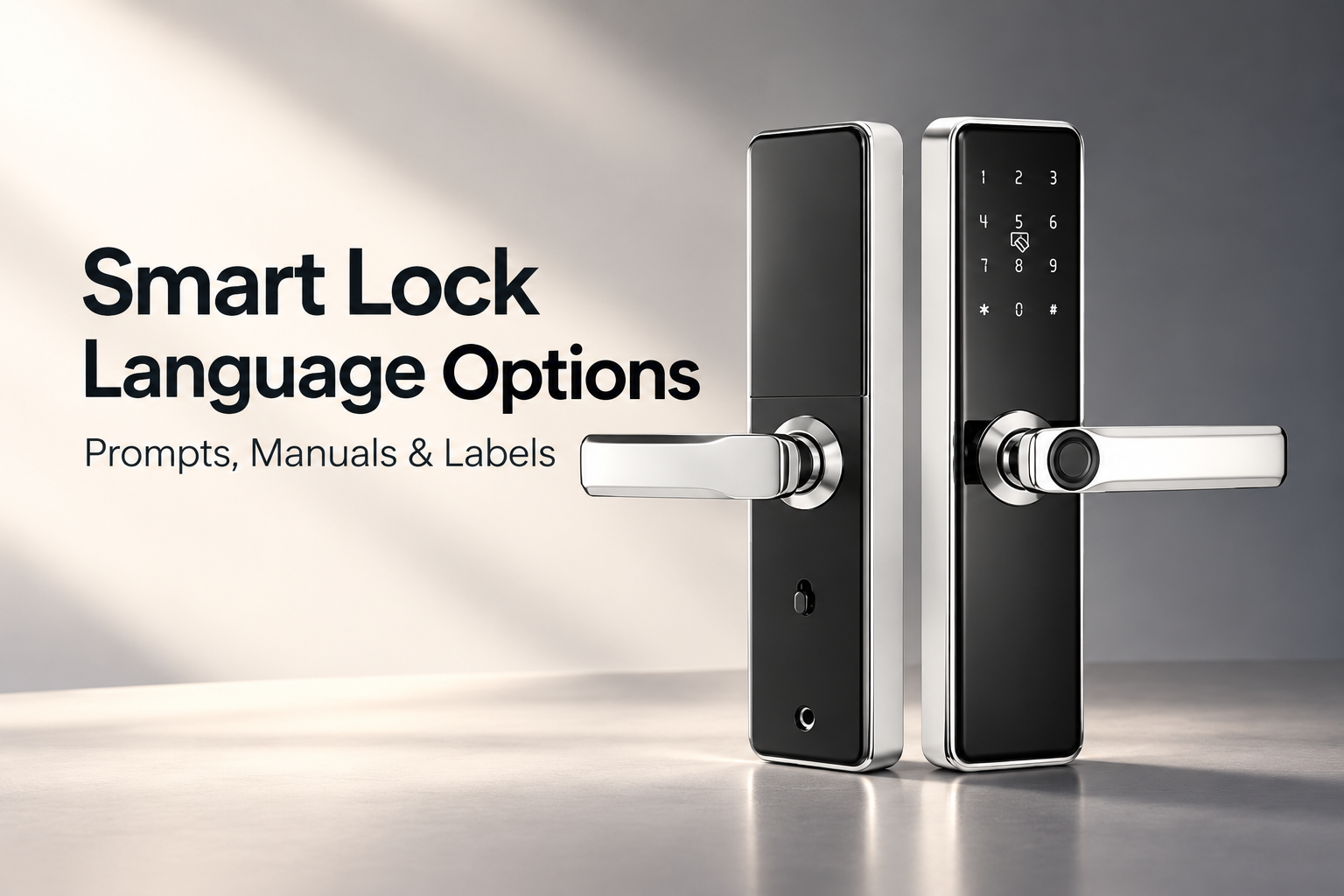
Identify the offered lock configuration
Start with the exact model and its supplied feature set. For smart locks for room doors, confirm which functions belong to the proposed variant rather than assuming every feature mentioned on a category page is included. Note the applicable firmware revision and any connected service or software that the supplier identifies for that model.
Ask whether language is selected by the user, configured before shipment or limited to a particular version. Record the factory default and the approved selection procedure where a choice exists. Do not assume an option can be changed after installation without confirming the actual method.
Keep the sales-market requirement specific. A US order may still serve users who need another language, but that does not justify describing the product as universally multilingual. List the required languages explicitly and obtain a written response for each offered configuration.
Map each customer-facing language surface
Create a language matrix showing which parts of the user experience contain words or spoken messages. Include first setup, routine operation and maintenance messages where those functions exist. This prevents a translation review from focusing only on the most visible front-page instructions.
Lock firmware language is one part of that matrix. Ask the supplier to demonstrate the actual prompts on the proposed sample, using the relevant setup and operating sequence. If the model has no voice feature or display, mark those surfaces as not applicable instead of adding a capability to the specification.
| Language surface | Question for the supplier | Approval record |
|---|---|---|
| Voice prompts, if fitted | Which languages exist in this variant? | Sample demonstration and revision |
| Screen messages, if fitted | Which menus and alerts are translated? | Reviewed message set |
| Connected software, if applicable | Who controls language and updates? | Confirmed software and support route |
| Printed manual | Does the sequence match this lock? | Approved document revision |
| Packaging and quick guide | Do names and claims match the product? | Final artwork proof |
| Service guidance | Can support identify the same functions? | Agreed terminology and reference |
A completed matrix should distinguish confirmed availability from requested customization. Do not turn a development discussion into a feature claim before the supplier confirms and demonstrates the result.
Review terminology against the physical controls
Smart lock manual translation should follow the actual product sequence. Use consistent names for keys, indicators, modes and actions. A technically accurate translation can still confuse users if it calls a physical button by a different name on every page.
Ask reviewers to perform the instructions on the approved sample. Check whether the required control can be identified and whether the observed response matches the description. Where a step depends on administrator authorization, make that distinction clear using the manufacturer's procedure.
Avoid substituting familiar instructions from another model. A similar keypad layout does not establish that enrollment, reset or access management works the same way. Keep illustrations and screenshots connected to the offered hardware and firmware revision.
Include uncommon but important messages
The first demonstration often covers a successful unlock. Request a broader review of the states supported by the model, such as low-power indications, unsuccessful entry messages and normal setup confirmations. Use the supplier's approved demonstration method so the review does not create an unintended configuration change.
Confirm whether prompts use spoken words, tones or indicator patterns. Translate the associated explanation accurately rather than claiming that every event has a spoken message. A quick guide should help the user recognize the actual feedback available on that product.
Ask how language settings behave after an approved reset or firmware change. Do not publish a specific outcome until it has been verified for the configuration. If the default changes, the distributor's service team should know what a customer may encounter during setup again.
Keep firmware and documents under revision control
Record the approved lock sample, firmware language and manual revision in one file. Packaging should use the same function names and supported language list. This is particularly important when one physical housing is sold in several configurations that look alike from outside the carton.
If the supplier proposes a firmware update during production, ask which prompts and instructions are affected. Review the relevant changes before allowing earlier artwork to be reused. A translated manual can become outdated even when the product photograph remains accurate.
Define who approves corrections and who keeps the final master files. The distributor should be able to identify which manual accompanied a particular shipment. That record supports customer service without requiring users to guess the firmware from the appearance of the handle. Include the approved language matrix in the purchase file so a repeat order starts from the confirmed configuration rather than an earlier sales conversation.
Approve a complete sales variant
- List the exact model, configuration and required languages.
- Confirm available interface languages on the physical sample.
- Review applicable setup, routine and maintenance messages.
- Test the manual sequence against the actual controls.
- Align terminology across documents, labels and packaging.
- Record revisions and the process for approving updates.
Send the language matrix with the product enquiry and request a configuration-specific response. Clear smart lock language options give purchasing, packaging and service teams the same information, helping buyers deliver a lock whose instructions and interface match what was actually ordered.
Recommended Products

Ready to Begin?
Product Categories
Contact Information
 Email: [email protected]
 Phone: +86-13575699186
 Address: No.135, Wanyu Road, Zhiying Industrial Zone, Yongkang City, Zhejiang Province, China.
QR Code
Copyright © Yongkang Ruian Lock Industry Co, Ltd. All rights reserved.
