русский
 Español
 عربى
Industry News
HOME / NEWS / Industry News / What Should OEM Buyers Consider When Customizing Smart Security Lock Hardware and Software?

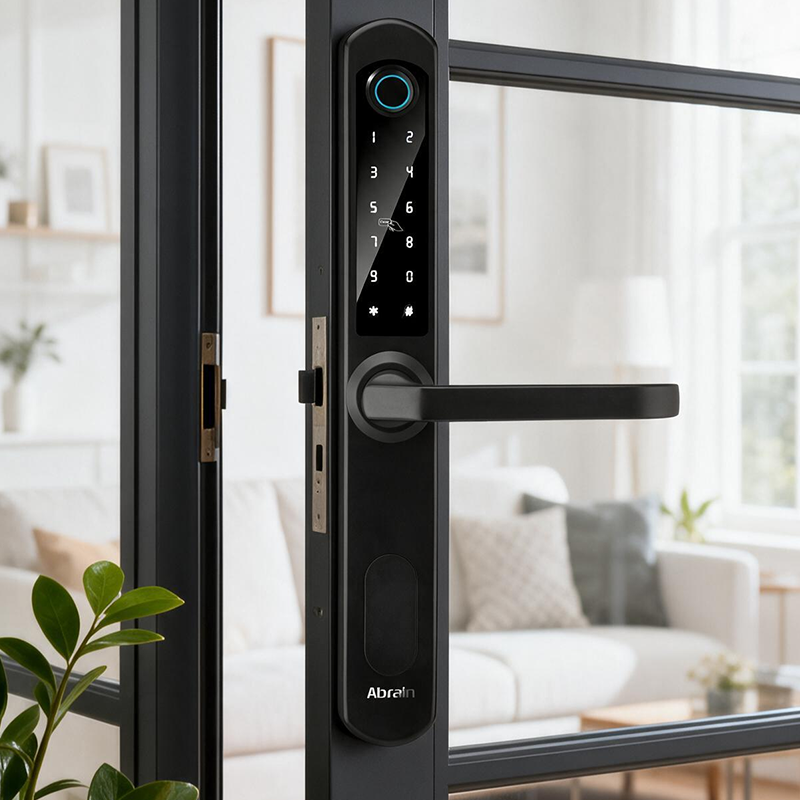
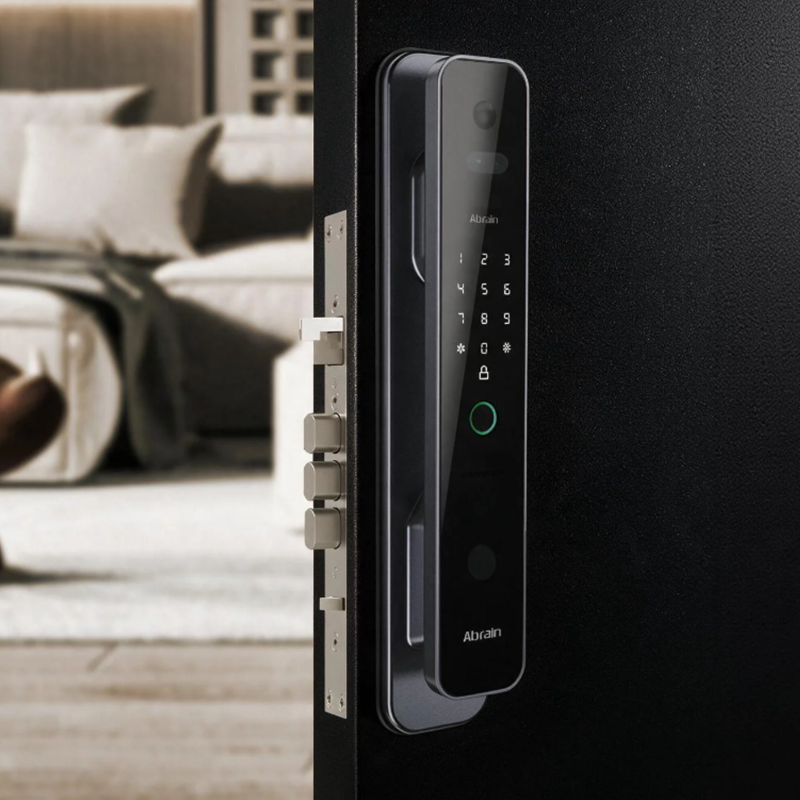
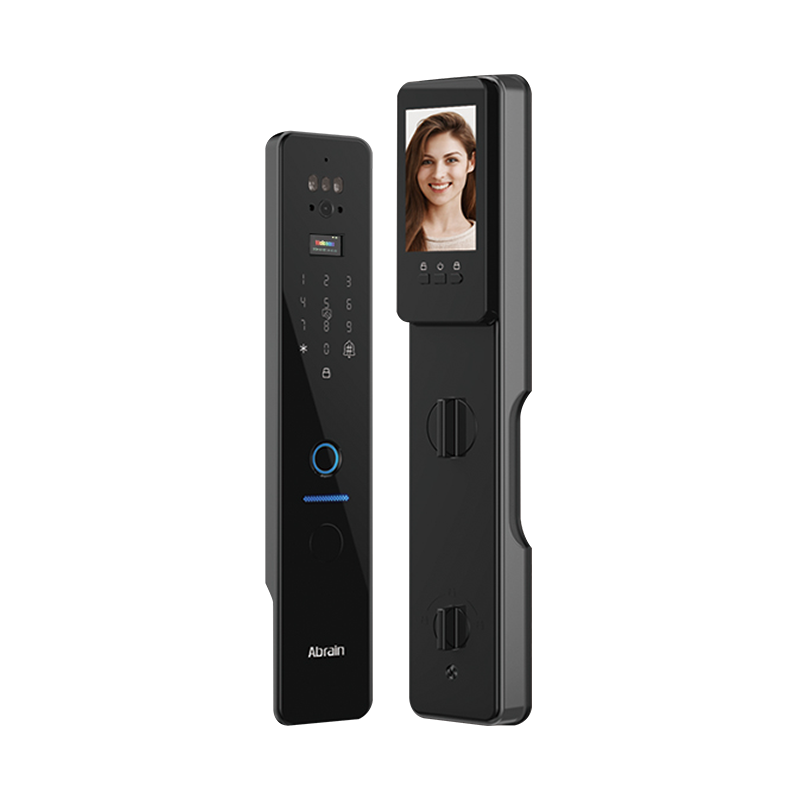
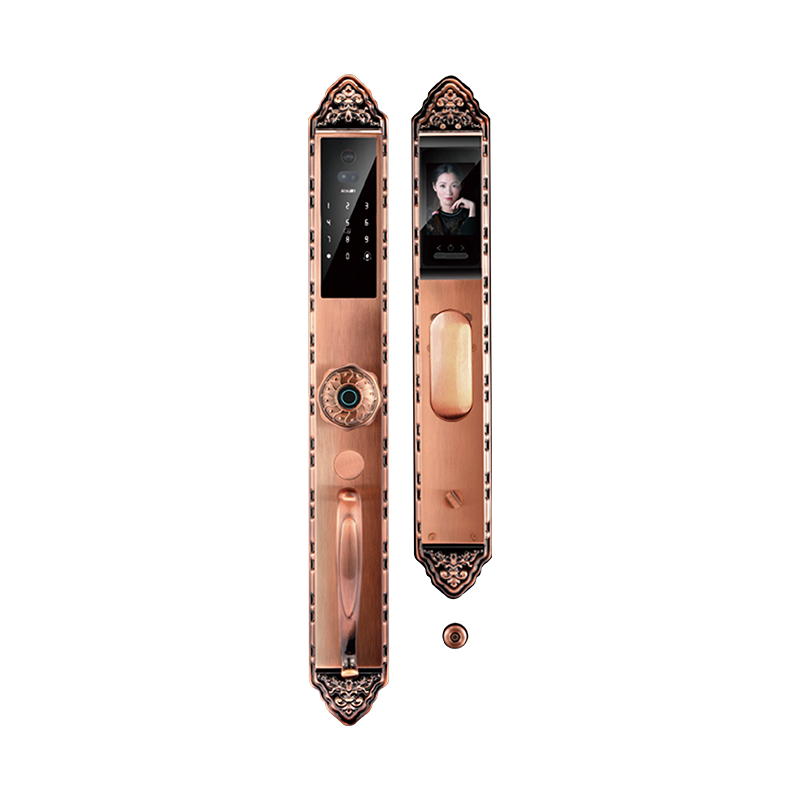
Smart locks show up in plenty of places—private homes, rental apartments, hotels, office buildings. The features might look similar on paper, but what's behind them can vary a lot. For OEM buyers, customization isn't just about swapping the housing color or adding a mobile app. The mechanical design, electronics, and software have to work as one system. Before placing an order, you need to figure out what the lock should do, where it'll be used, and what the manufacturer can realistically deliver.
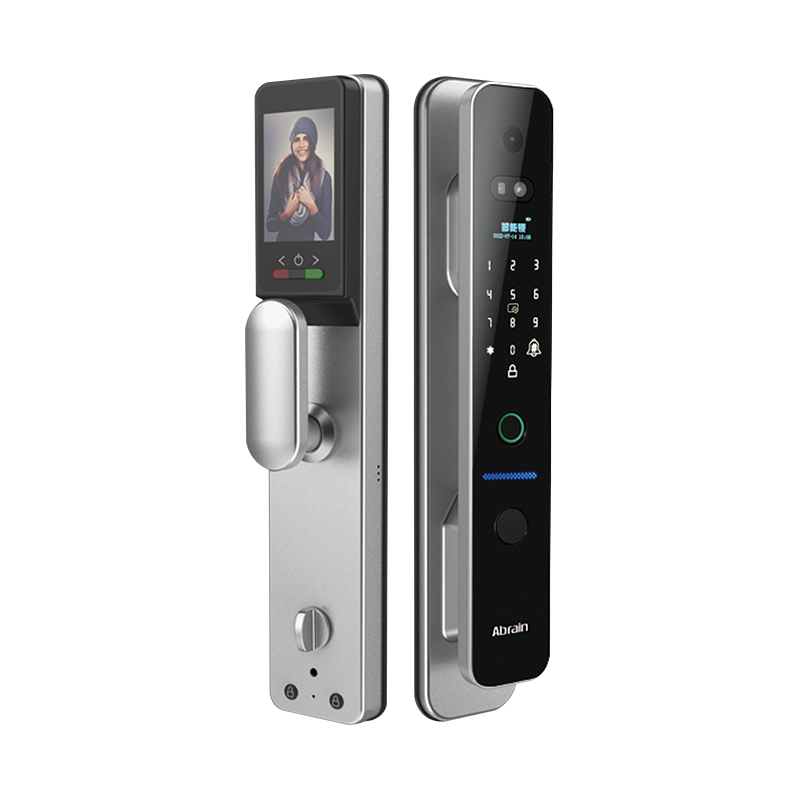
Define Target Applications and User Requirements
A lock built for a family home probably won't cut it in a hotel or commercial building. Start by understanding how people will actually use the product.
Home users often want fingerprint unlocking, app control, PIN codes for guests. Hotels have different needs—staff might need to issue temporary access codes, manage multiple rooms, connect locks to a property management system. In offices, access permissions and entry records tend to matter more.
Those differences should show up in the product specification. Adding features later can mean changes to hardware, firmware, or the app, which drives up development costs.
Select Hardware Components for Long-Term Reliability
A smart lock packs several parts that need to cooperate: lock body, motor, control board, sensors, fingerprint module, keypad, power supply. The locking mechanism and motor deserve close attention. They get used every day and have to handle repeated operation without turning unreliable. If the door and lock aren't properly aligned, the motor works harder than it should. That drains the battery and puts extra strain on the mechanism.
Materials vary from one component to another—zinc alloy, stainless steel, aluminum alloy, engineering plastics are common. Compare strength, weight, corrosion resistance, and cost.
During product evaluation, pay attention to:
A lock that works fine in a sample test may behave differently after months of regular use. Long-term testing is worth building into the development process.
Choose Connectivity Based on Application Requirements
The communication method affects how users control the lock and how it connects with other devices. Bluetooth, Wi-Fi, Zigbee, Z-Wave, and Thread are common choices.
| Connectivity | Main advantages | OEM considerations |
|---|---|---|
| Bluetooth | Low power use and direct phone connection | Remote access usually requires a gateway |
| Wi-Fi | Direct internet connection | Can consume more battery power |
| Zigbee | Works with many smart home systems | Needs a compatible hub or coordinator |
| Z-Wave | Supported by established smart home networks | Regional frequencies and compatibility must be checked |
| Thread | Low-power mesh networking | Depends on compatible ecosystem support |
There's no single right answer for every product. Bluetooth may suit a battery-powered residential lock, while a hotel system might need network access for remote management. Consider the available infrastructure in your target market before settling on a connectivity solution.
Develop Secure and Flexible Software Functions
Software has a major effect on user experience. Depending on the product, functions may include fingerprint registration, PIN management, app-based unlocking, temporary access codes, entry records, remote alerts.
Not every function needs to run in the same place. Some can live in the lock's firmware, others may depend on a mobile app or cloud platform. OEM buyers should agree on this structure with the development team, including who maintains each part.
Don't leave security features until the final stage. Encrypted communication, secure authentication, protected credential storage, signed firmware updates—these should be considered during development, not bolted on afterward.
Access management also needs to be straightforward. Temporary codes should expire at the right time, and administrators should be able to remove a user's access without jumping through hoops.
Prioritize Cybersecurity and Data Privacy
A connected lock protects a physical entrance, so a software problem can create a real security concern. Stolen login details, weak wireless protection, compromised mobile accounts—any of these could let someone interfere with access control.
Development teams should examine these risks before release. Useful safeguards include:
Fingerprint data needs particular attention. Ask whether fingerprint templates stay inside the lock or get transferred to a server. The manufacturer should also explain how that information is protected and deleted.
Data protection rules differ between countries. Better to check requirements during development than to discover compliance problems close to launch.
Evaluate OEM Customization and Integration Capabilities
Some OEM projects only require changes to the housing or keypad. Others involve custom circuit boards, fingerprint modules, firmware, mobile applications, packaging. Make sure the manufacturer has experience with the parts your project needs.
Integration can be a challenge even when individual components perform well. The motor might work correctly, but poor coordination with the control board or power system can affect the lock's overall operation.
Ask for engineering samples before approving mass production. Check the following:
| Evaluation area | What to check |
|---|---|
| Mechanical performance | Locking accuracy, cycle life, and motor operation |
| Electronic reliability | Power stability and sensor response |
| Software | App compatibility and access management |
| Cybersecurity | Authentication, encryption, and firmware updates |
| Environmental performance | Temperature, humidity, and ingress protection |
| Production quality | Assembly consistency and final inspection |
The contract should also cover software ownership, customization rights, update responsibilities, and technical support. These details are easy to overlook during development but can become important after the product ships.
Plan for Certification, Testing, and After-Sales Support
Certification requirements depend on the destination market. Electrical safety, radio equipment, electromagnetic compatibility, cybersecurity, privacy rules—any or all may apply.
Testing should be carried out on the complete lock, not just individual components. The mechanical assembly, wireless connection, firmware, mobile app all need checking. Having certified electronic parts doesn't automatically mean the finished product meets every local requirement.
Support after delivery should be discussed with the manufacturer too. Buyers need to know how software updates, faulty units, replacement parts, and security issues will be handled. Clear procedures make it easier to maintain the product once it's in use.
Build a Smart Lock Product That Supports Long-Term Growth
Customizing a Smart Security Lock takes more than picking features from a product list. The hardware has to suit the installation, the software has to be practical to use, and the security design has to protect both access credentials and user data.
OEM buyers should test samples carefully and discuss technical responsibilities with the manufacturer before production begins. A supplier that can handle mechanical design, electronics, and software development is better placed to deal with integration issues and support the product over time.

 Email: [email protected]
 Phone: +86-13575699186
 Address: No.135, Wanyu Road, Zhiying Industrial Zone, Yongkang City, Zhejiang Province, China.
QR Code
Copyright © Yongkang Ruian Lock Industry Co, Ltd. All rights reserved.