русский
 Español
 عربى
Industry News
HOME / NEWS / Industry News / When Should Commercial Projects Choose Double Sided Smart Lock Instead of Single Sided Smart Lock?

Picking smart locks for offices, hotels, commercial buildings, or rental properties comes down to one basic question: how will each door actually be used? Should access be controlled from both sides or just the outside? That answer shapes security, daily operation, installation work, and emergency exit arrangements.
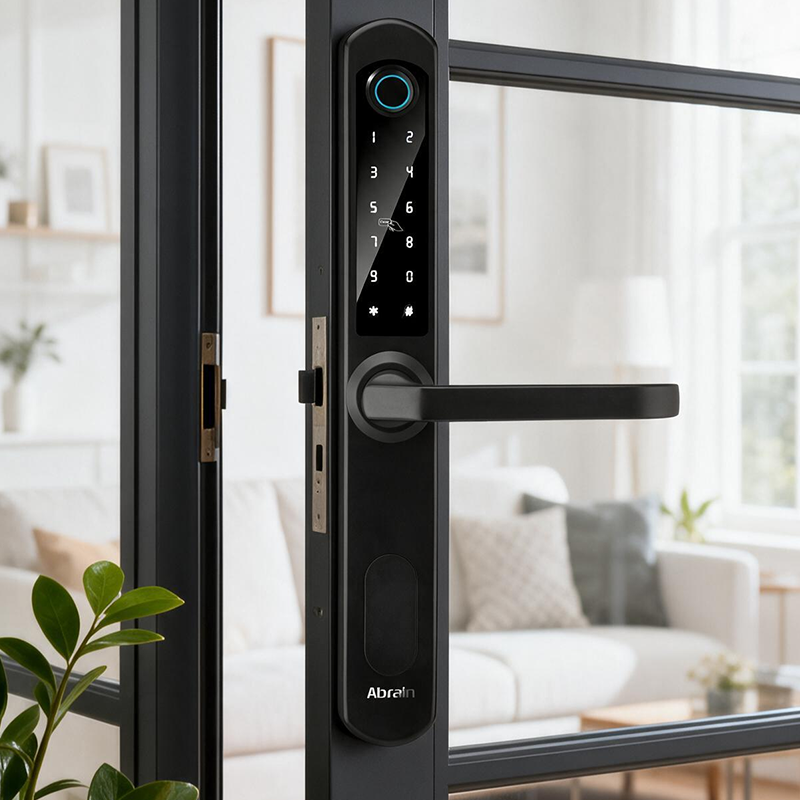
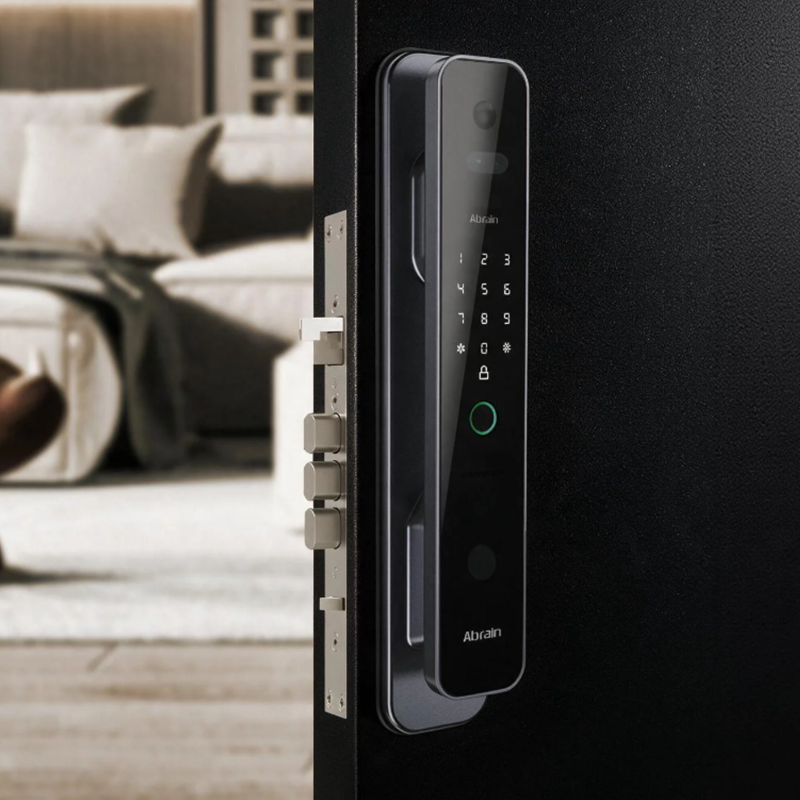
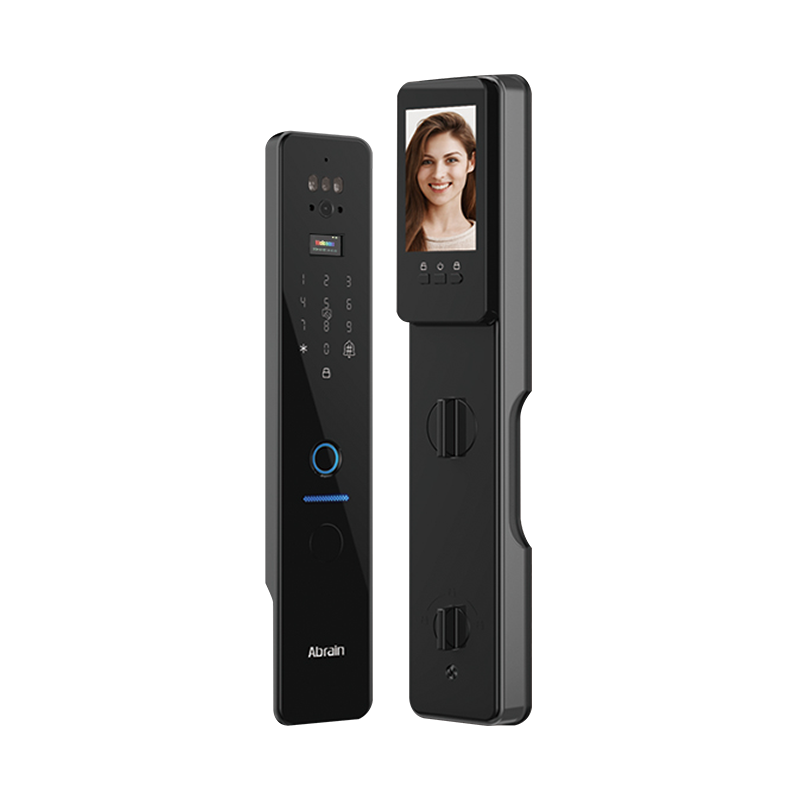
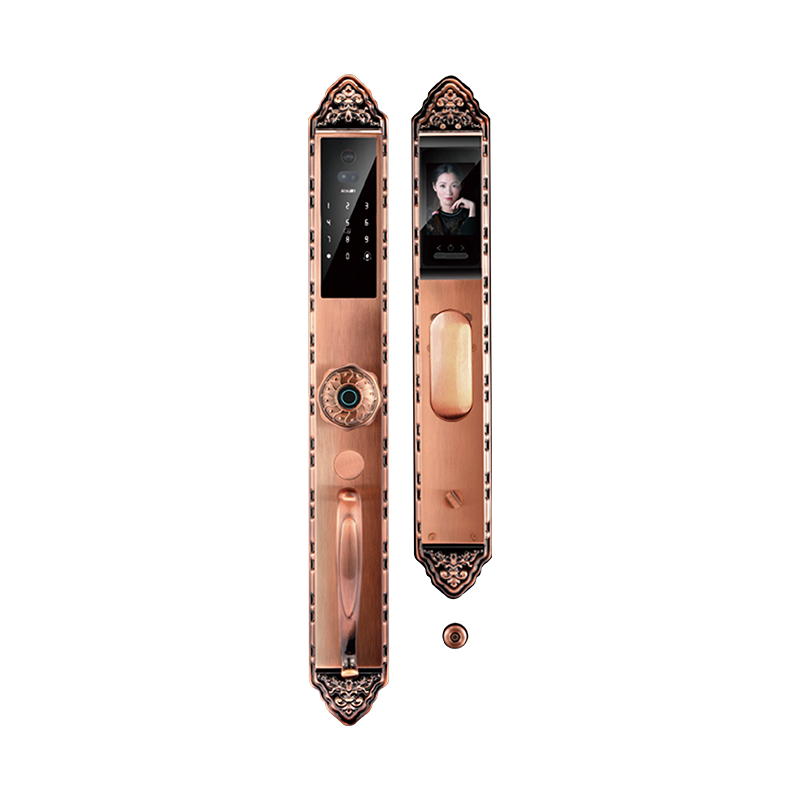
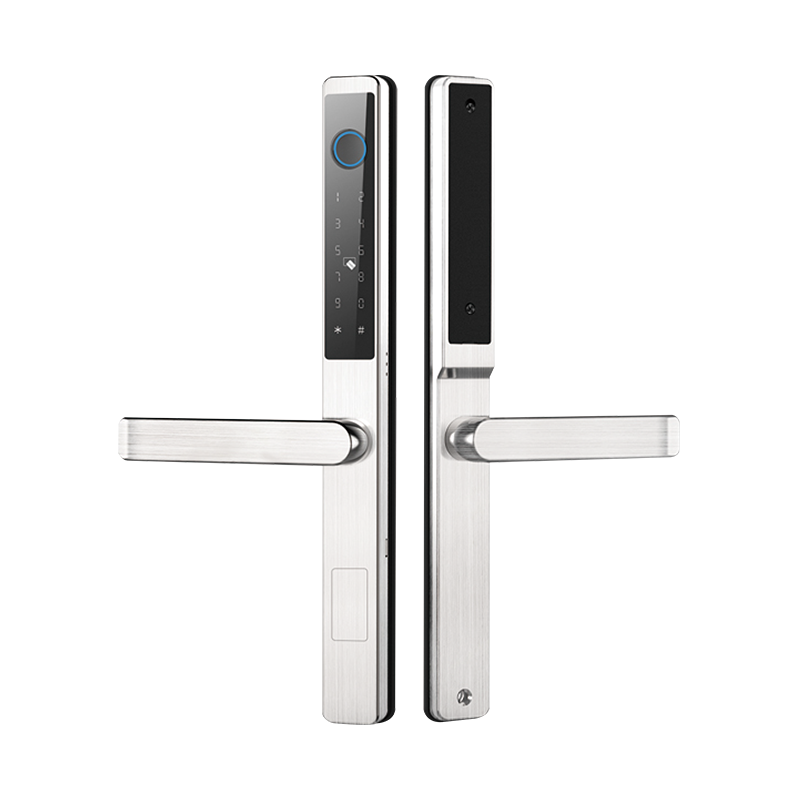
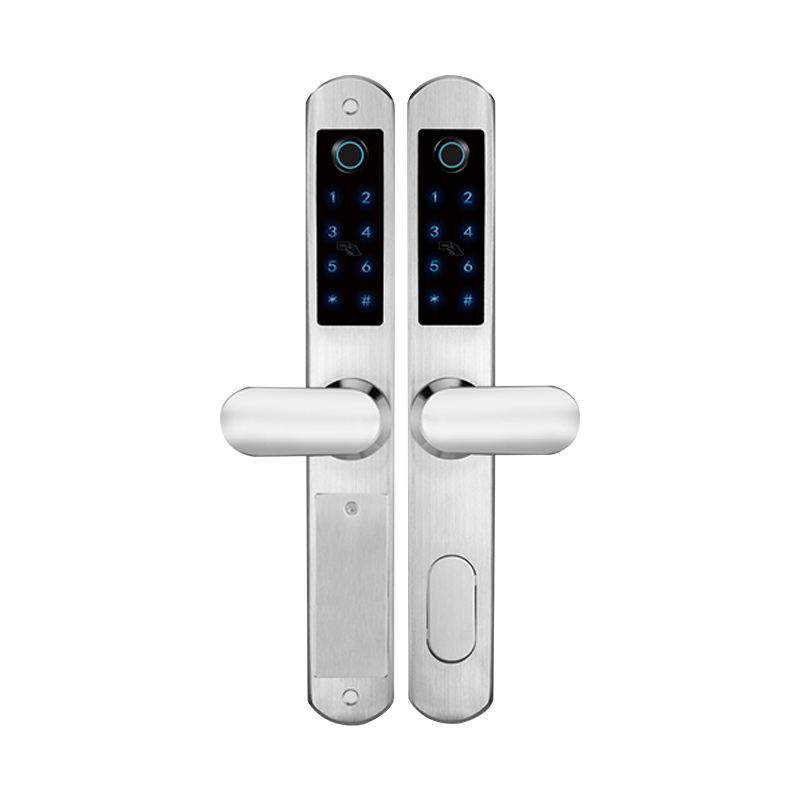
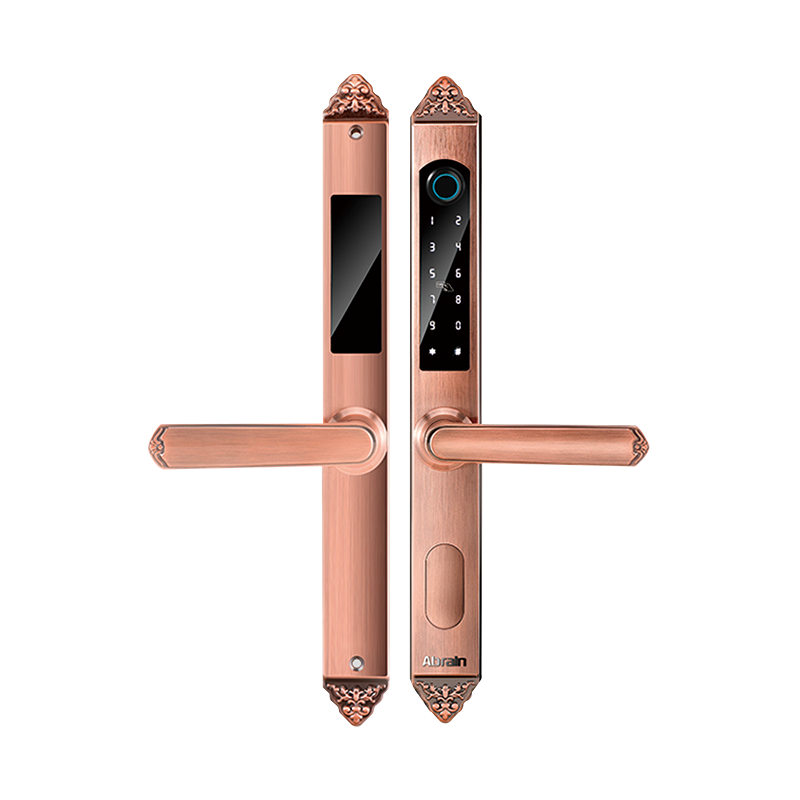
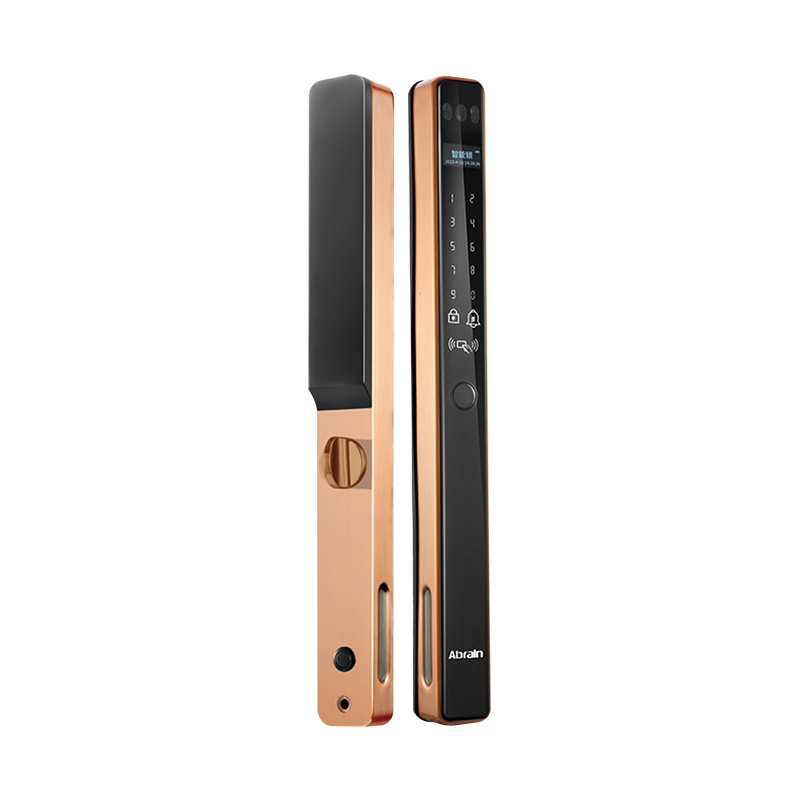
A Double Sided Smart Lock puts electronic access functions on both sides of the door. A single-sided model usually has electronic unlocking outside and a handle or mechanical thumb-turn inside. Neither design fits every situation—the right choice depends on what the door is there to do.
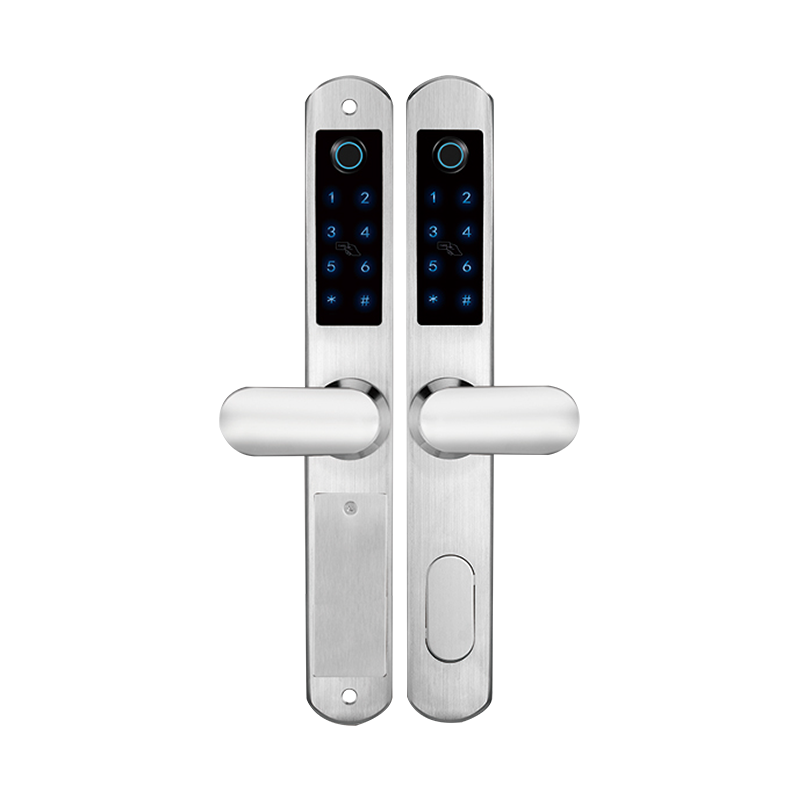
Understand How Double Sided and Single Sided Smart Locks Work
With a single-sided smart lock, users unlock from outside using a fingerprint, PIN code, card, or mobile app. People inside leave by turning a handle or thumb-turn.
A double-sided model allows electronic access control from both directions. Depending on the design, users may need to enter a valid credential to unlock from either side. That's useful where both entry and exit need to be recorded or restricted. But not all double-sided locks work the same way. Check the actual locking functions and how the door opens during an emergency.
Identify Commercial Applications That Need Two-Sided Access
Some areas need tighter control over who comes and goes. Common examples:
That doesn't mean every commercial door needs a double-sided lock. For ordinary office entrances and public corridors, controlling entry from the outside is often enough.
Compare the Main Features of Both Lock Types
| Evaluation factor | Double sided smart lock | Single sided smart lock |
|---|---|---|
| Electronic access | Both sides | Usually one side |
| Access management | Can control entry and exit | Mainly controls entry |
| Installation | May need additional configuration | Generally simpler |
| Initial cost | Usually higher | Usually lower |
| Maintenance | More electronic components | Fewer electronic components |
| Typical use | Restricted areas | Standard entrances |
The main difference is how much control a building needs over movement through a door. Extra electronic functions only help when the application actually calls for them.
Evaluate Security and Emergency Egress Requirements
A double-sided lock makes it harder for unauthorized users to move through restricted areas. It may also give administrators more complete access records.
But that extra control must not interfere with emergency evacuation. Doors on escape routes may be required to open from the inside without a fingerprint, PIN, card, or network connection. Before choosing a double-sided model, project managers should check local fire codes, building regulations, and accessibility requirements. Confirm the emergency release method, backup power arrangements, and whether the lock needs fail-safe or fail-secure operation. Settle these details before installation—not after the doors are already in use.
Calculate Installation and Maintenance Costs
A double-sided system may need extra readers, electronic parts, wiring, and setup work. That makes it more expensive to install and maintain than a single-sided model.
When comparing prices, look beyond the lock itself.
| Cost factor | What buyers should check |
|---|---|
| Hardware | Number of electronic readers and components |
| Installation | Wiring, power supply, and door modifications |
| Software | Access permissions and management functions |
| Maintenance | Replacement parts and technical support |
| Reliability | Backup power and emergency operation |
The higher cost may be reasonable for a restricted area where two-way access control is necessary. For doors with simpler requirements, the extra hardware offers little practical value.
Check Software Integration and Access Management
Commercial projects often use centralized systems to manage multiple doors. Before ordering, check whether the lock supports scheduled access, user permissions, credential cancellation, and entry records.
Connectivity may use Bluetooth, Wi-Fi, or dedicated gateways. Compatibility with the building's existing access control system should be confirmed during planning.
Data security matters too. Look for secure authentication, encrypted communication, protected credential storage, and regular firmware updates. The supplier should be able to explain where access records are stored and who can view them.
Select the Right Lock Configuration for Each Door
Rather than picking one lock type for an entire building, review the function of each door.
A double-sided model may suit a restricted area where both entry and exit need authorization—provided it meets emergency safety requirements. A single-sided model is often enough when only outside entry needs controlling and people inside must be able to leave easily.
Door thickness, frame alignment, daily usage, and power availability should also be checked. Testing a sample under actual installation conditions can reveal problems before a large order is placed.
Build a Secure and Practical Commercial Access System
The choice between single-sided and double-sided smart locks comes down to how much access control each door needs. Double-sided models offer more control over entry and exit, but they bring higher hardware and installation requirements. Single-sided locks are often more practical for standard entrances.
For commercial buyers, it makes sense to assess doors individually, check emergency exit rules, and confirm that the selected lock works with the building's access management system.

 Email: [email protected]
 Phone: +86-13575699186
 Address: No.135, Wanyu Road, Zhiying Industrial Zone, Yongkang City, Zhejiang Province, China.
QR Code
Copyright © Yongkang Ruian Lock Industry Co, Ltd. All rights reserved.