
 русский
  Español
  عربى
عربى Industry News

GET A QUOTE
Can a Smart Lock for Home Door Improve Child Safety?
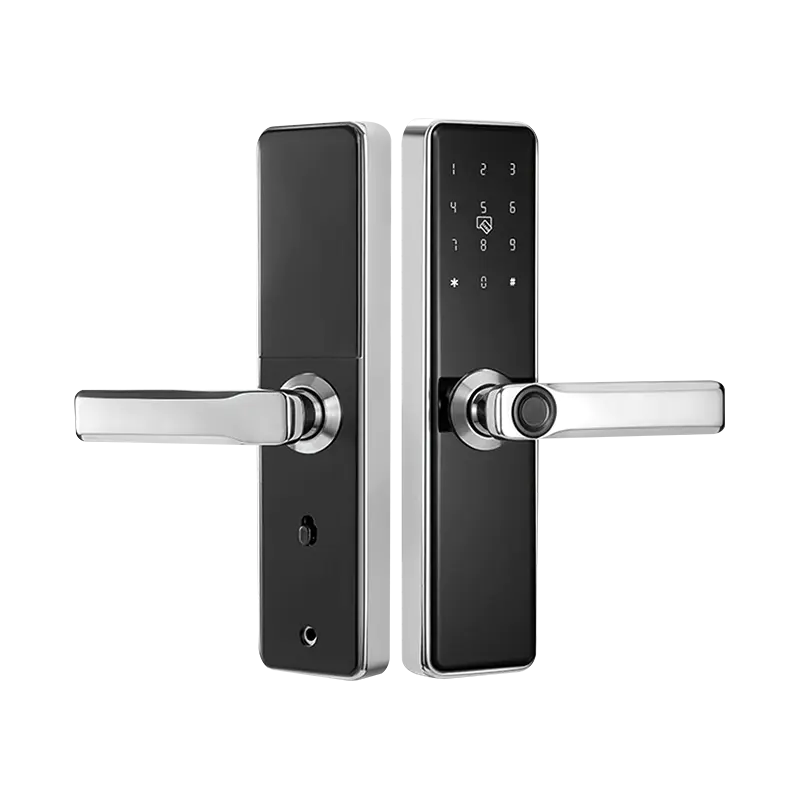
Household security decisions rarely happen in the abstract. They happen after an elderly parent is found waiting outside because they forgot the key. After a child calls from school saying the spare key is lost again. After the slow realization that a lock system designed around a physical object — one that can be misplaced, copied, or forgotten — is not well matched to the daily reality of a household with multiple members across different ages and schedules. A Smart Lock for Home Door shifts the entire entry model away from key possession and toward identity-based access, which is a fundamentally better fit for households where some members are less reliable with physical keys and others need monitored, managed access rather than unchecked entry.
Why Traditional Locks Create Specific Problems for Elderly Users
Physical and Cognitive Challenges That Keys Cannot Address
A traditional deadbolt lock was designed assuming a user who can see clearly, grip firmly, insert a small metal object into a precisely aligned keyhole, and remember to carry that object at all times. These assumptions hold for many adults under normal conditions. They become progressively less reliable as fine motor control decreases with age, as vision changes make small-scale tasks more difficult, and as memory lapses become more frequent.
Elderly family members face a particular set of failure modes with key-based systems:
- Forgetting to take the key when leaving the house — a problem that compounds in households where family members may not be home to let them back in
- Difficulty operating the lock mechanism — stiff deadbolts require grip strength that diminishes with arthritis; inserting a key in low light is harder with aging vision
- Losing the key in bags, pockets, or around the house — leading to locksmith calls or the hidden-spare-key solution, which introduces its own security compromise
- Extended time at the door — fumbling with a key in cold weather, at night, or while carrying items creates physical strain and increases fall risk for older adults
A smart lock replaces all of these interactions with options that can be matched to the specific user's ability — a large-button PIN pad, a fingerprint sensor, or even proximity-based unlocking that activates when a paired device approaches. The elderly user enters without touching a key at all.
How Smart Locks Support Child Safety During After-School Hours
Monitored Access Without Key Handoffs
The after-school window is when many household security concerns converge. A child returning home before adults arrive faces a set of risks that a physical key system manages poorly. The key must travel to school and back without being lost. If it is lost, the child has no entry. If it exists but the child is not home yet, there is no way to know remotely whether the child arrived safely.
A smart lock for home door resolves these problems through its access management and notification capabilities:
- PIN-based entry for children — a memorized code eliminates key loss entirely; even young children can reliably enter a four-to-six digit code they use daily
- Fingerprint enrollment — for children old enough to use biometric readers consistently, fingerprint access removes even the need to remember a number
- Entry notifications — the lock sends a push notification to the parent's phone each time the enrolled credential is used; parents know the moment the child arrives home without needing a phone call
- Time-restricted access — some systems allow credentials to be active only during defined hours, so the child's PIN works after school but not at unusual times
The notification function alone is valuable enough that many parents report it changes their peace of mind during the after-school period significantly. Knowing the door opened at the expected time and with the child's credential is different from hoping a text message arrives.
Managing Family Access Without a Single Physical Key System
How Permission Layers Work Across a Household
One of the less-discussed advantages of smart lock systems is the ability to hold different access levels for different household members simultaneously — without any of those access levels depending on whether a physical key is in the right person's possession at the right time.
A typical household with elderly grandparents, school-age children, and working parents can configure access in a layered way:
- Grandparent access — PIN code or proximity unlocking through a paired key fob, methods that do not require fine motor precision or sharp vision
- Children's access — fingerprint enrollment or daily PIN code, with entry notifications sent to parents
- Adult household members — full access through app, fingerprint, and backup PIN
- Caregiver or housekeeper — temporary PIN with scheduled active hours and automatic expiry
- Visitor access — one-time code generated through the app, valid for a specific window and then automatically invalidated
This access architecture means that every person who needs to enter the home can do so through a method suited to their ability and schedule, while the household administrator retains visibility and control over who has access and when it is active.
Remote Management: Solving the "I Don't Know If the Door Is Locked" Problem
App-Based Control for Households That Need It
A recurring source of household anxiety — particularly for caregivers of elderly family members or parents of young children — is uncertainty about the door's status. Did the elderly parent lock the door when they came in? Did the child pull the door fully shut? Is the door locked right now?
Connected smart lock systems answer these questions through a mobile app that displays the current lock status and recent activity. More practically, they allow remote action:
- Lock the door remotely if it shows as unlocked
- Unlock the door remotely to admit a family member who forgot credentials
- Grant temporary access to a neighbor or caregiver without being physically present
- Review the entry log to see when the door was used and which credential was used each time
For families where one member provides care for an elderly relative who lives in the same home, the remote management function changes what is possible. A caregiver at work can let a visiting nurse in at the expected time. An adult child can confirm that an elderly parent arrived home safely after an outing. These are practical daily-life functions that a physical key system cannot provide at all.
Is the Fingerprint Reader Reliable Enough for Elderly and Young Users?
Understanding Biometric Accuracy Across Age Groups
Fingerprint readers in smart locks have improved substantially in terms of recognition accuracy and tolerance for skin condition variation. However, they do perform differently across user populations, and understanding this is relevant for households with elderly users.
Fingerprint recognition works by matching the ridge pattern of the presented finger against enrolled templates. The challenges for elderly users include:
- Drier skin — reduced skin moisture affects the clarity of fingerprint patterns; most modern capacitive sensors handle this adequately but some older or lower-quality readers may struggle
- Skin condition changes — arthritis, eczema, or post-injury scarring can alter fingerprint patterns in ways that reduce recognition rate
- Pressing technique — consistent pressure and angle produce better recognition; users who press inconsistently may experience more rejected attempts
Practical solutions for elderly users:
- Enroll multiple fingers for each user so that recognition failure on one finger does not result in lockout
- Use a model that supports optical fingerprint recognition rather than only capacitive, as optical readers tend to handle dry or worn fingerprints better
- Configure a PIN code as an alternative method that the elderly user can fall back on when fingerprint recognition is unreliable
For children, fingerprint readers generally work well once the child is old enough to present the finger consistently and has developed adult-level skin detail — younger children may find PIN codes more reliable.
Smart Lock for Wooden Door: Installation Considerations for Residential Homes
What to Verify Before Purchase
Most residential homes in markets where smart locks are commonly used have wooden doors — either solid wood or hollow-core construction with a wooden frame. The compatibility of a smart lock with the existing door hardware affects whether installation is straightforward or requires carpentry work.
Key questions to address before purchasing a smart lock for wooden door installation:
- Door thickness — smart locks specify a compatible door thickness range; verify the actual door thickness against the product specification
- Existing lock position — most retrofit smart locks are designed to mount in the same position as the existing deadbolt, using the existing bore hole; mismatched dimensions require additional drilling
- Door frame and strike plate — the lock's bolt throw length must be compatible with the depth of the existing strike plate recess in the door frame
- Hollow-core vs. solid-core — hollow-core interior doors may not provide adequate structural support for some smart lock models; check manufacturer guidance for the door type
- Surface finish compatibility — wooden door surface treatments (lacquer, paint, varnish) should not interfere with the adhesive backings or mounting brackets of any surface-mounted smart lock accessories
Installation in a wooden door is typically straightforward for a retrofit smart lock that replaces an existing deadbolt, but verifying these dimensions before purchase prevents the frustration of receiving a product that does not fit the existing hardware layout.
Comparing Access Methods for Elderly and Child Users
| Access Method | Suitable for Elderly | Suitable for Children | Key Advantage | Limitation |
|---|---|---|---|---|
| PIN code | Yes — simple to use | Yes — easy to memorize | No physical object required | Code could be observed by others |
| Fingerprint | Partially — depends on skin condition | Yes for older children | Fast and hands-free | May fail with dry or worn skin |
| Mobile app | Partially — requires smartphone comfort | For teenagers | Remote control capability | Requires phone and connectivity |
| Physical key (backup) | Yes | Yes | Universal fallback | Carries traditional key management risks |
| Key fob or NFC card | Yes — simple proximity use | Yes | No memorization required | Physical item can be lost |
| Temporary PIN | For caregivers or visitors | Not typically assigned | Auto-expires after use | Not for primary users |
The table reflects that no single access method is universally suited across all household members. A well-specified smart lock supports multiple methods simultaneously, allowing each user to access the door through the method that works reliably for them while the administrator maintains visibility over all access activity.
What to Look for in a Smart Lock for a Family With Elderly and Child Users
Evaluation Criteria That Matter for This Use Case
Choosing a smart lock for a household that includes elderly members and children requires slightly different evaluation criteria than choosing for a standard adult household. The features that matter most in this context:
- Multiple access methods — PIN, fingerprint, app, and key fob support gives the household flexibility to match each user to the method they can use reliably
- Clear audio and visual feedback — elderly users in particular benefit from a clear audible confirmation that the lock has opened or closed, and visible LED status indicators that work in low-light conditions
- Large or backlit keypad — a keypad that is easy to see and press accurately matters for users with limited vision or fine motor control
- Low operational force — the latch mechanism should not require significant pushing or pulling force to operate once the lock is authenticated
- Battery life and low-battery alert — a long battery life and clear advance warning before battery depletion prevent lockout scenarios
- Backup power option — an external power input (typically a USB or terminal connector on the outside face) allows temporary power from a portable battery if the internal battery is depleted
- Simple app interface — for the administrator, the app through which access is managed should not require technical sophistication to set up or use
The combination of these features determines whether the smart lock actually improves daily life for elderly and child users, or whether it creates new friction while removing the familiar friction of physical keys.
Choosing a Smart Lock Supplier With the Right Product Range
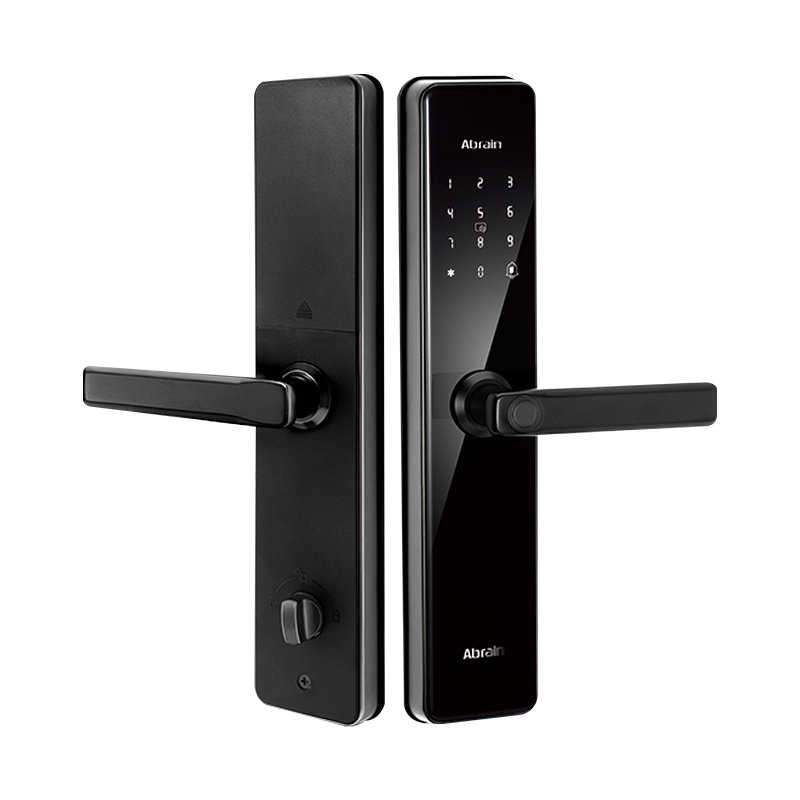
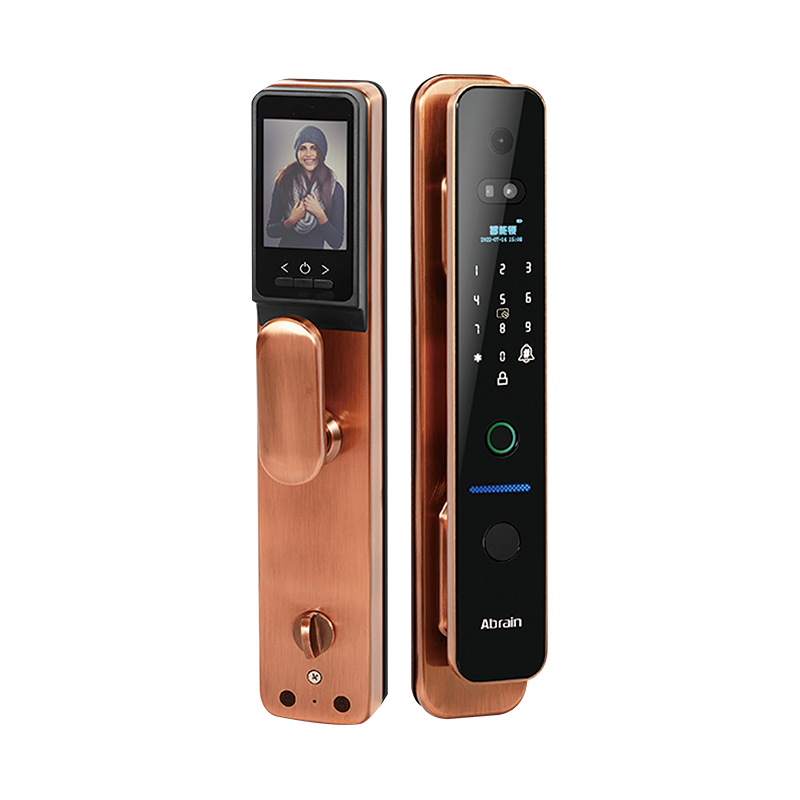
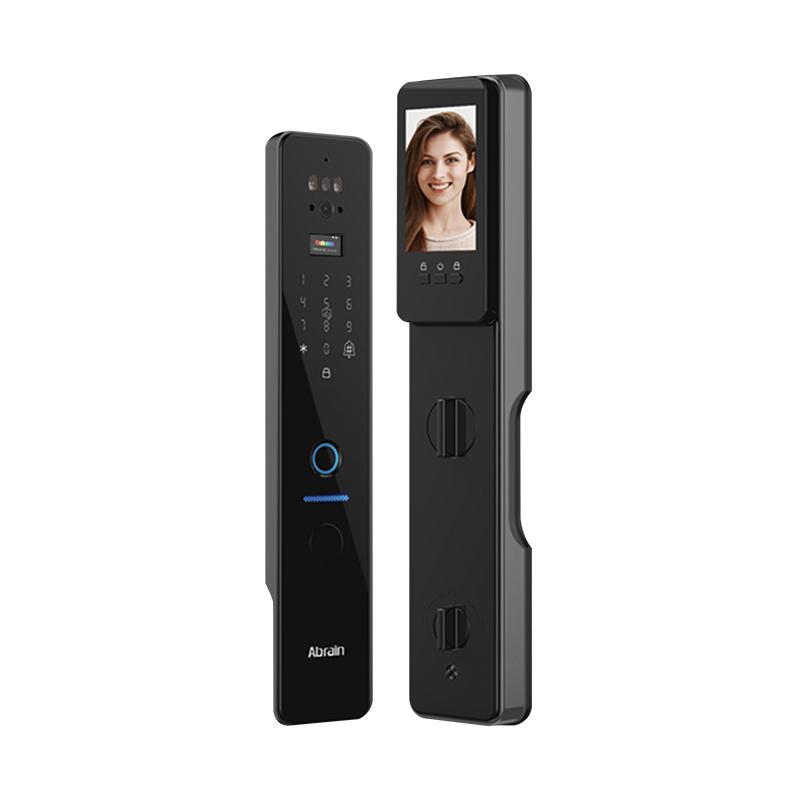
For households, property managers, and distributors sourcing smart lock products for family safety applications, the quality and reliability of the lock mechanism, the accuracy of the biometric reader, and the longevity of the software support all determine whether the product delivers its intended benefits over several years of daily use. Yongkang Ruian Lock Industry Co, Ltd. manufactures smart lock products for residential and light commercial applications, with a product range that includes fingerprint-enabled models, PIN and app-controlled configurations, and designs suited to wooden door and standard door installations. Their products are available through wholesale smart lock supply channels for distributors and property management professionals who require consistent quality across volume orders. Whether you are sourcing a smart lock for home door deployment at scale, evaluating options for a family safety upgrade program, or looking to build out a product range for retail distribution, reaching out to discuss product specifications, access method configurations, and order terms provides a clear starting point for identifying the right product for the intended user group.
Recommended Products

Ready to Begin?
Product Categories
Contact Information
 Email: [email protected]
 Phone: +86-13575699186
 Address: No.135, Wanyu Road, Zhiying Industrial Zone, Yongkang City, Zhejiang Province, China.
QR Code
Copyright © Yongkang Ruian Lock Industry Co, Ltd. All rights reserved.
